
工具/软件:Code Composer Studio
问题:
我关闭了 CCS9软件并将其重新打开、用户界面如下所示、无项目显示、无菜单栏等。
以前、我在工作区中构建了两个项目、它们已经过编译和调试。
我 的系统是 Win10。
用户界面:
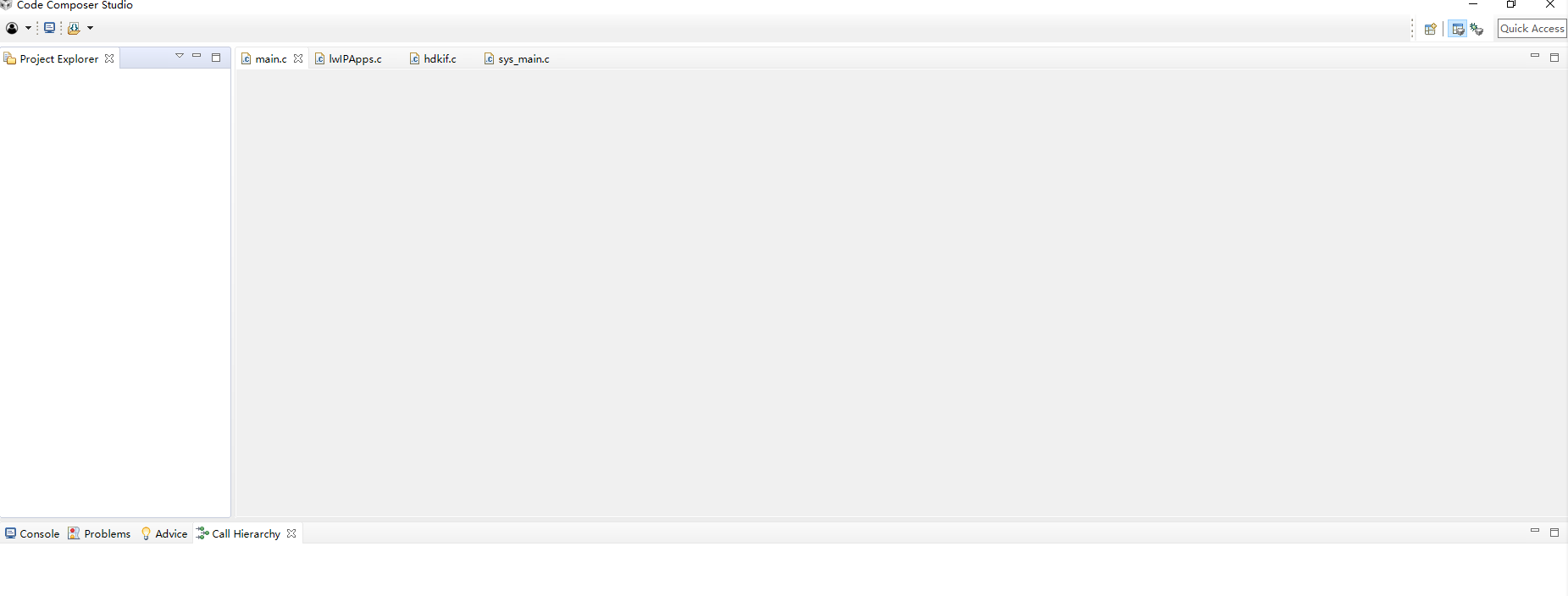
当我关闭它时、 发生了错误
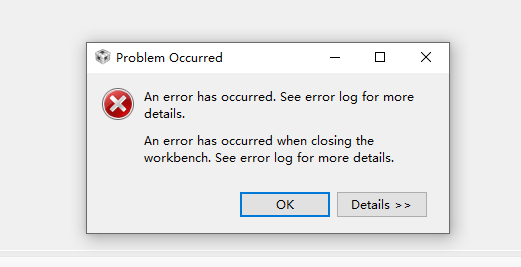
日志:
This thread has been locked.
If you have a related question, please click the "Ask a related question" button in the top right corner. The newly created question will be automatically linked to this question.
工具/软件:Code Composer Studio
问题:
我关闭了 CCS9软件并将其重新打开、用户界面如下所示、无项目显示、无菜单栏等。
以前、我在工作区中构建了两个项目、它们已经过编译和调试。
我 的系统是 Win10。
用户界面:
当我关闭它时、 发生了错误
日志:
您好!
您能否先尝试清理工作区环境?
http://software-dl.ti.com/ccs/esd/documents/users_guide/ccs_troubleshooting.html#clean-the-workspace-or-try-using-a-new-one-
谢谢
Ki
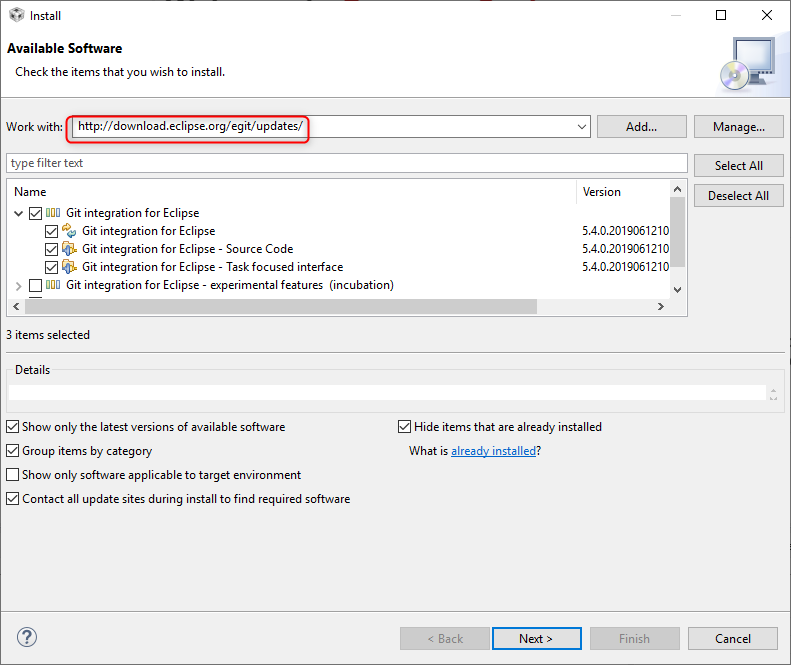
您可以尝试更新 egit 吗?
转至"帮助->安装新软件"、然后将以下站点添加到"使用"字段:
http://download.eclipse.org/egit/updates/
并为 Eclipse 更新选择 Git 集成
并按照向导安装更新。
然后重新启动 CCS 并查看这是否有用。
谢谢
Ki