This thread has been locked.

If you have a related question, please click the "Ask a related question" button in the top right corner. The newly created question will be automatically linked to this question.

[参考译文] TIDA-00792:通过 SMBus 连接到 Arduino UNO

Guru**** 2604225 points
Other Parts Discussed in Thread: TIDA-00792, BQ78350, BQ76940, BQ78350-R1

请注意,本文内容源自机器翻译,可能存在语法或其它翻译错误,仅供参考。如需获取准确内容,请参阅链接中的英语原文或自行翻译。

https://e2e.ti.com/support/tools/simulation-hardware-system-design-tools-group/sim-hw-system-design/f/simulation-hardware-system-design-tools-forum/886754/tida-00792-connection-to-an-arduino-uno-via-smbus

器件型号:TIDA-00792
主题中讨论的其他器件: BQ78350BQ76940BQ78350-R1

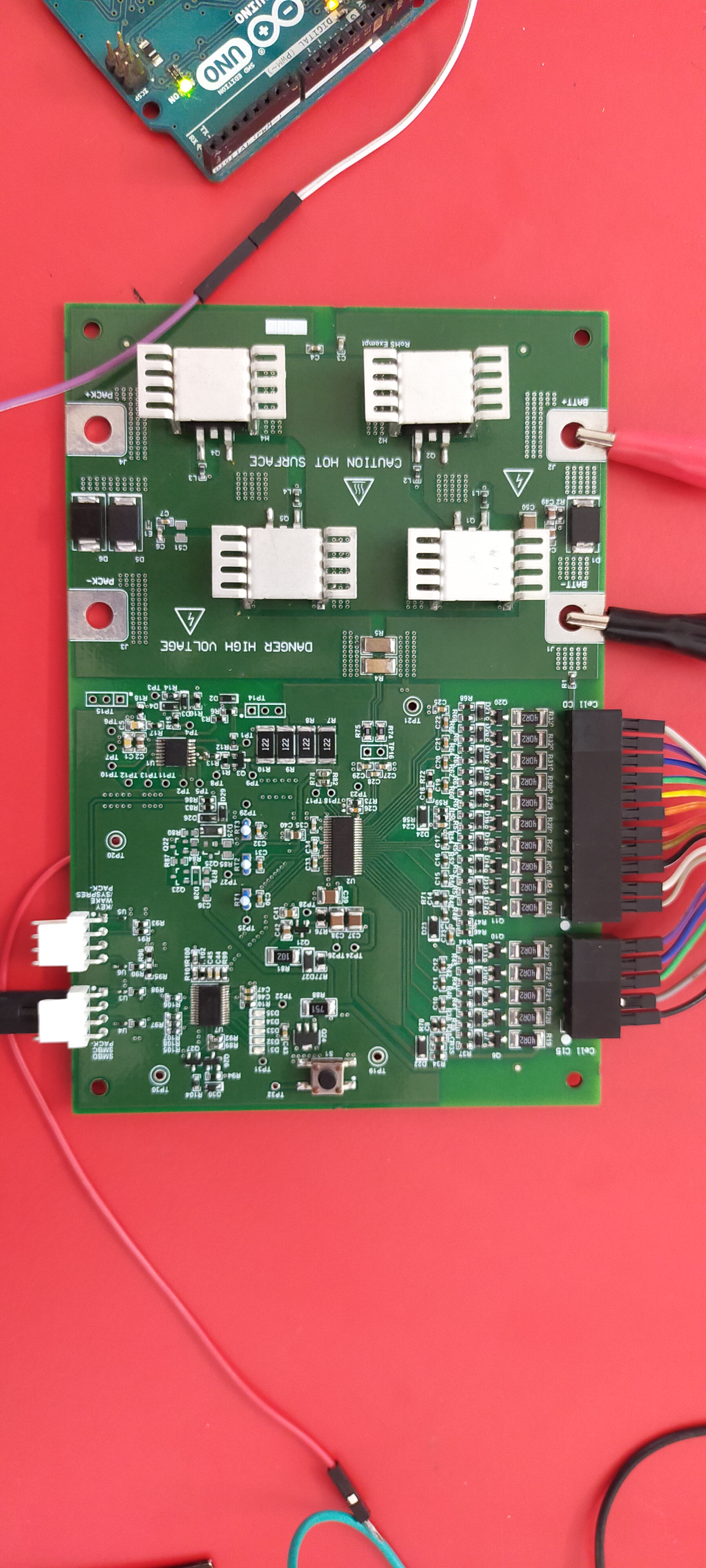
我们目前正在尝试与基于 SMBus 通信的 Arduino UNO 板建立通信 TIDA-00792。 但我们不能成功。  

*使用48V 直流电源为电路板供电

*稳压器为2.5V

*连接的引脚:

SMBC --> Arduino SCL

SMBA --> Arduino SDA

* 地址(0x0B 或0x08或0x16或0x17)不是很清楚

代码:

#include 
void setup(){
Wire.begin();//加入 i2c 总线(主控方可选地址)
Serial.begin(9600);
}
void loop()
{
delay(1000);
Serial.println("write data");
Wire.beginTransmission(0x16);//
Wire.write(0x09);
Wire.endTransmission ());
Wire.requestFrom (0x0B、2);//请求6 从器件#8的字节
字符串响应="";
而(Wire.Available ()){//从器件发送的字节数可能小于请求的字节数
char c = Wire.read();//接收一个作为字符的字节
//Serial.print(c); //打印字符
Response += c;
}
Serial.println (response);
} 


  • 请注意,本文内容源自机器翻译,可能存在语法或其它翻译错误,仅供参考。如需获取准确内容,请参阅链接中的英语原文或自行翻译。

    您好 Sivaprakash、

    似乎您已连接到电路板、正常。  当然、确保 BQ78350-R1测量仪表在 Arduino 会话期间保持唤醒状态。  如果 BQ78350检测到电压低于关断阈值、它将关闭 BQ76940 (及其自身)。  此外、请检查 Arduino 是否为 SMBus 线路提供上拉电阻、TIDA-00792上没有提供这些上拉电阻。

    对于 SMBus、请参阅 http://www.ti.com/lit/slua475 以了解该消息。  BQ78350-R1 TIDA-00792使用标准0x16和0x17 SMBus 地址。 代码结构如应用手册所示、有助于了解 Arduino 提供的内容以及通信可能发生的故障位置。

    Arduino 编程我无能为力、它应该拥有一个良好的社区、该社区可能会提供有用的资源。