This thread has been locked.
If you have a related question, please click the "Ask a related question" button in the top right corner. The newly created question will be automatically linked to this question.
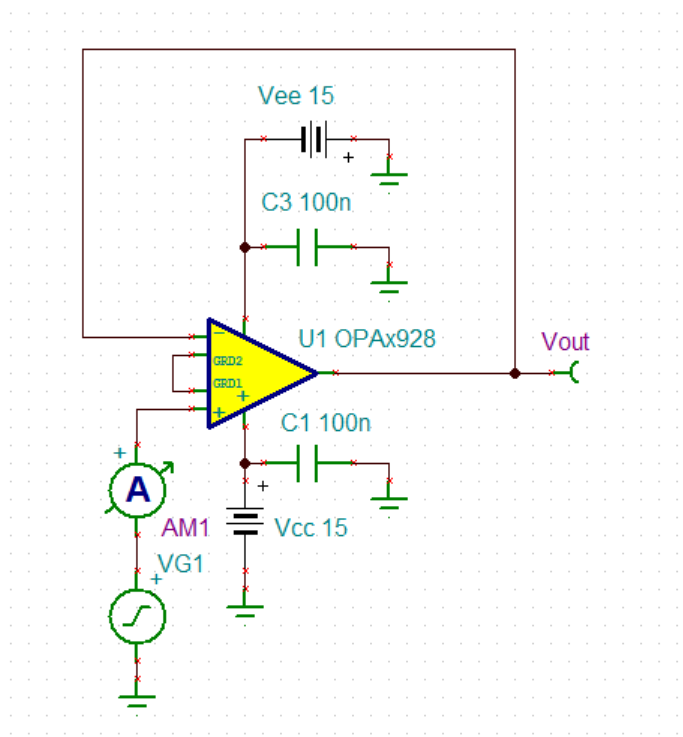
Part Number: OPAMP-NOISECALCOther Parts Discussed in Thread: OPA928
您好, 已经收到了您的案例,调查需要些时间,感谢您的耐心等待。
您好,
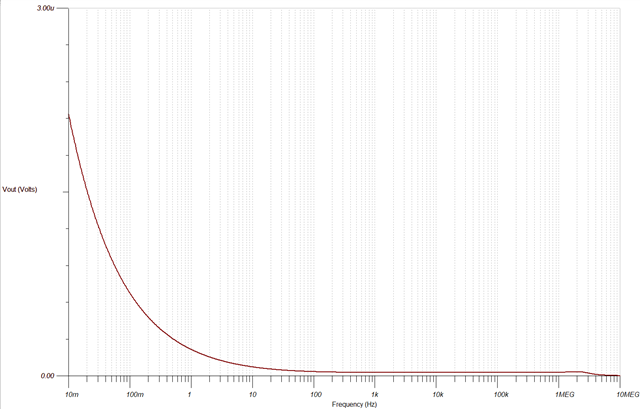
坐标轴单位是根据所使用的表(电流表或电压表)来推断的。例如,Vout表示电压单位。然而,你可以编辑坐标轴标题以包含单位。以下是操作步骤。请注意,图表不是来自上述电路,但步骤是相同的。
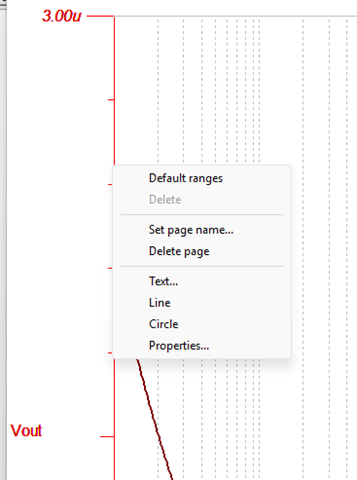
1. Right click on the axis, and select "Properties".
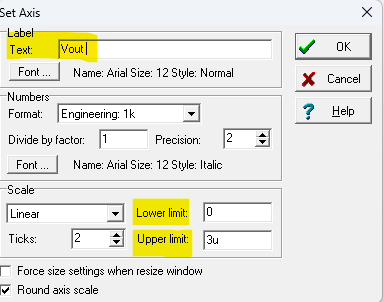
2. From the pop-up, you should be able to edit the axis text label, as well as edit the upper and lower limit for the graph.
结果如下:
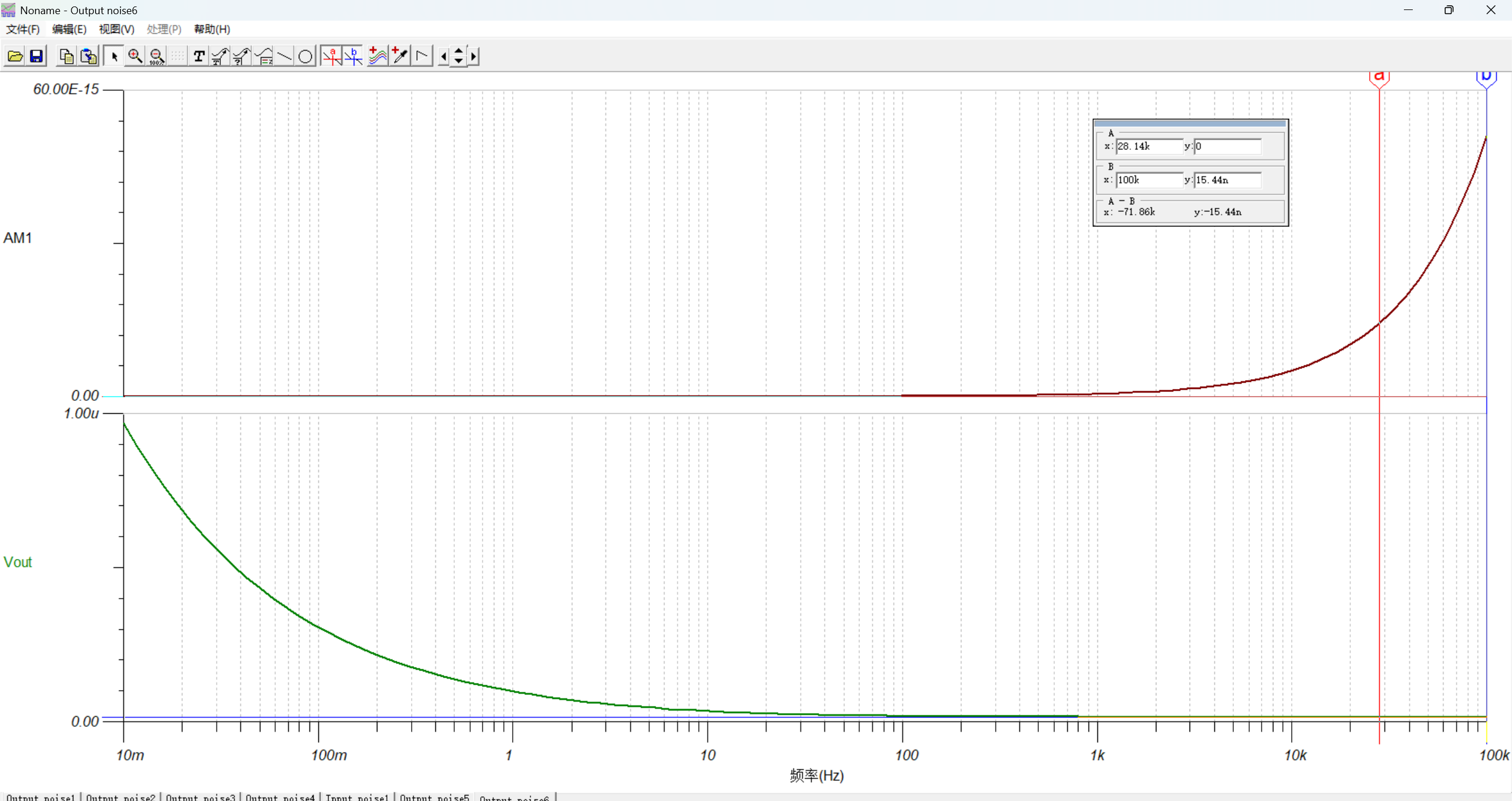
这些基本操作我都知道,我使用其他放大器都可以画出运放的噪声密度曲线,并且可以通过指针选中曲线,查看曲线点上的数值,但是使用OPA928出现了问题,无法通过以上曲线查看数值,谢谢你的回复,我觉得你没有解决我的问题。Noise-match.TSC我给你我的仿真文件,你运行一下仿真就知道了。且电流噪声曲线和datasheet不一致。
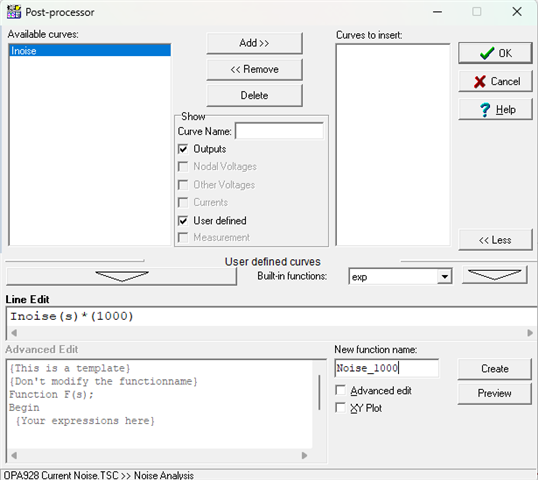
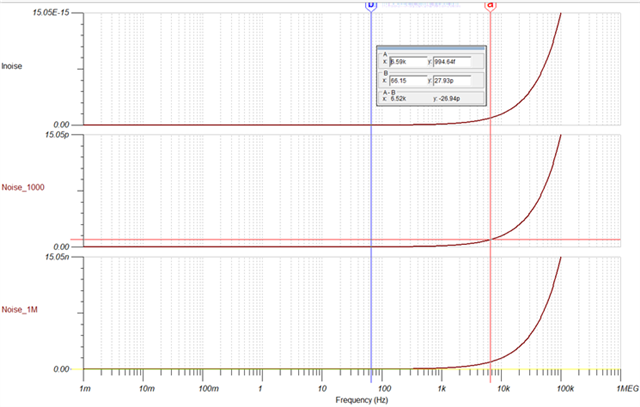
与我们的modelling engineer讨论过,他告诉我,模型不一定能匹配DS图,因为像噪声曲线这样的高通滤波器图不容易建模。我进一步研究了光标不显示y轴数值的问题,这是由于分辨率问题造成的。由于数值非常小(在几十飞安范围内),分辨率不够高。一个解决方法是将曲线放大某个倍数,然后你应该能够在曲线追踪中获得更精确的测量。请见下方参考。
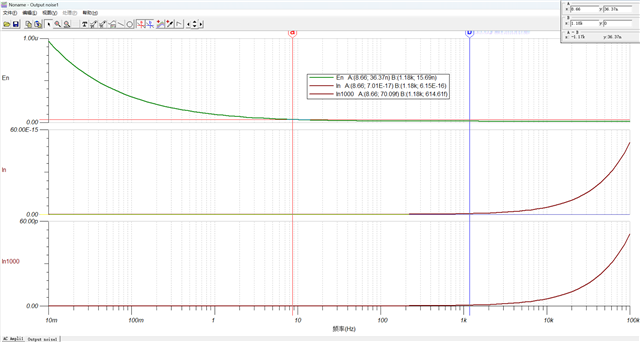
谢谢,在指针不起作用时,使用图例也能很好的显示指针处的数值: