你好,
请确认软件驱动程序已经安装好。
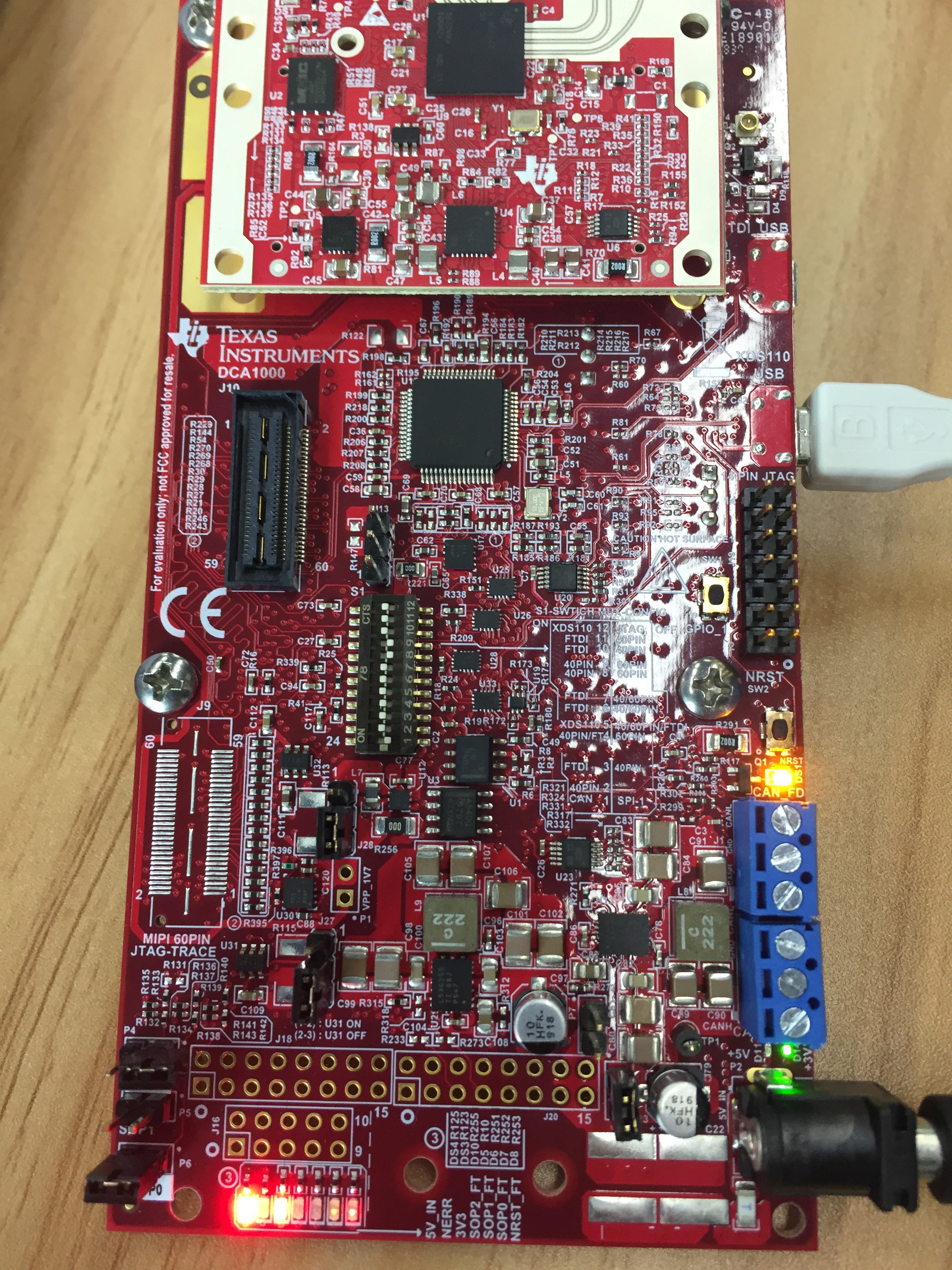
Next connect the USB cable from the XWR1xxx EVM to the PC. 2 COM ports will be enumerated with name XDS110. The mmWaveStudio should be connected to COM port numbered alongside the name XDS110 Class Application/User UART. In the following example, it is COM11. For more details, please refer to XWR12/XWR14/XWR16 EVM User Guide.
NOTE: To update XDS110 USB driver, download and install XDS emulator software from this link [http://processors.wiki.ti.com/index.php/XDS_Emulation_Software_Package]
Figure 2.6. XWR1xx Dev Pack and EVM USB Enumeration