If you have a related question, please click the "Ask a related question" button in the top right corner. The newly created question will be automatically linked to this question.
按照这个步骤试试:
1.Download the TLV320AIC310xEVM GUI: www.ti.com/.../slac249.
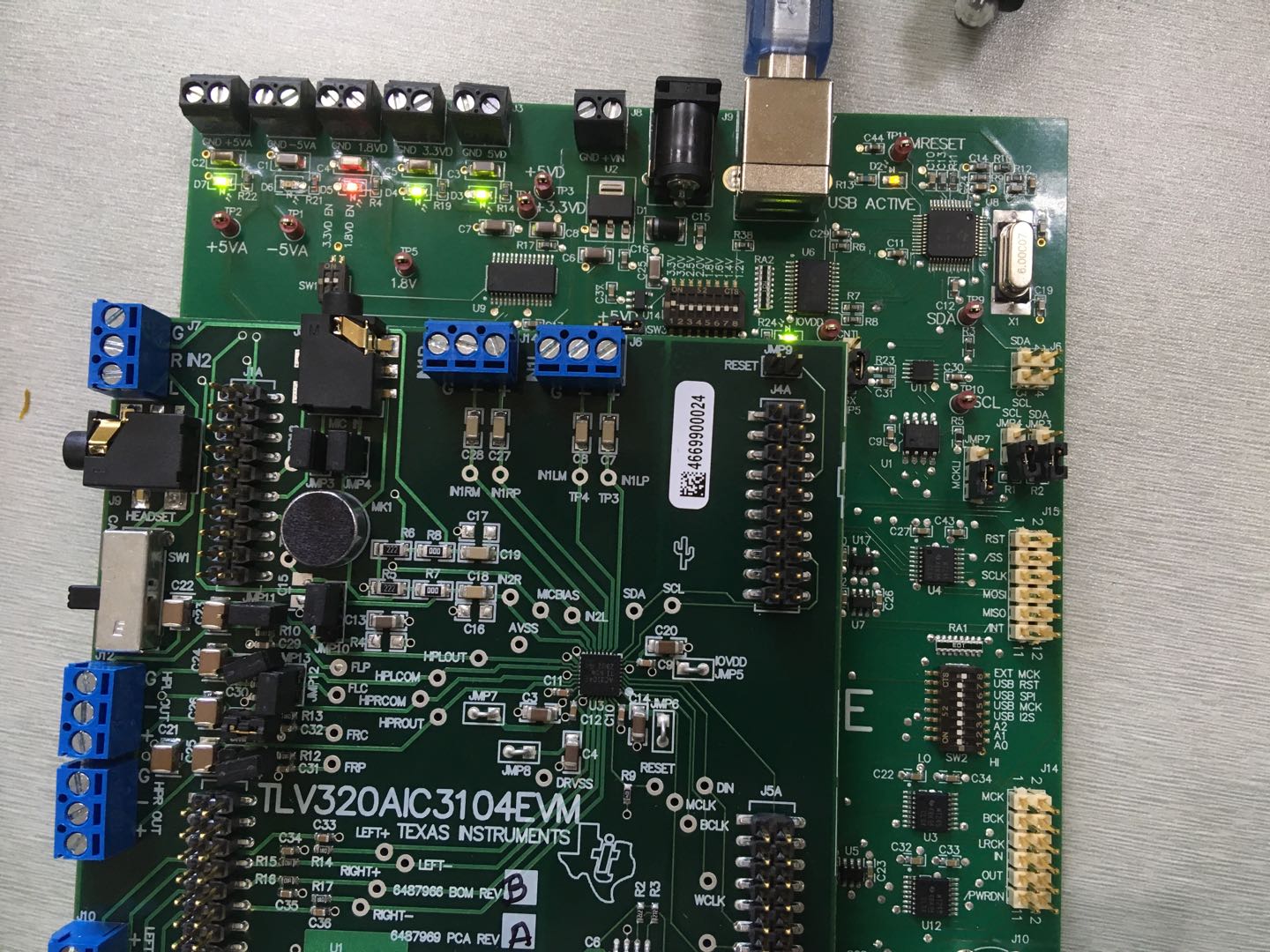
2.Then, run the setup file in order to install the GUI. If you have problems to install it, please try with the troubleshoot compatibility option.
3.Make sure that the TLV320AIC310xEVM and the USB-MODEVM INTERFACE have all the jumpers on the default position. Please, consult the EVM User's Guide for more information.
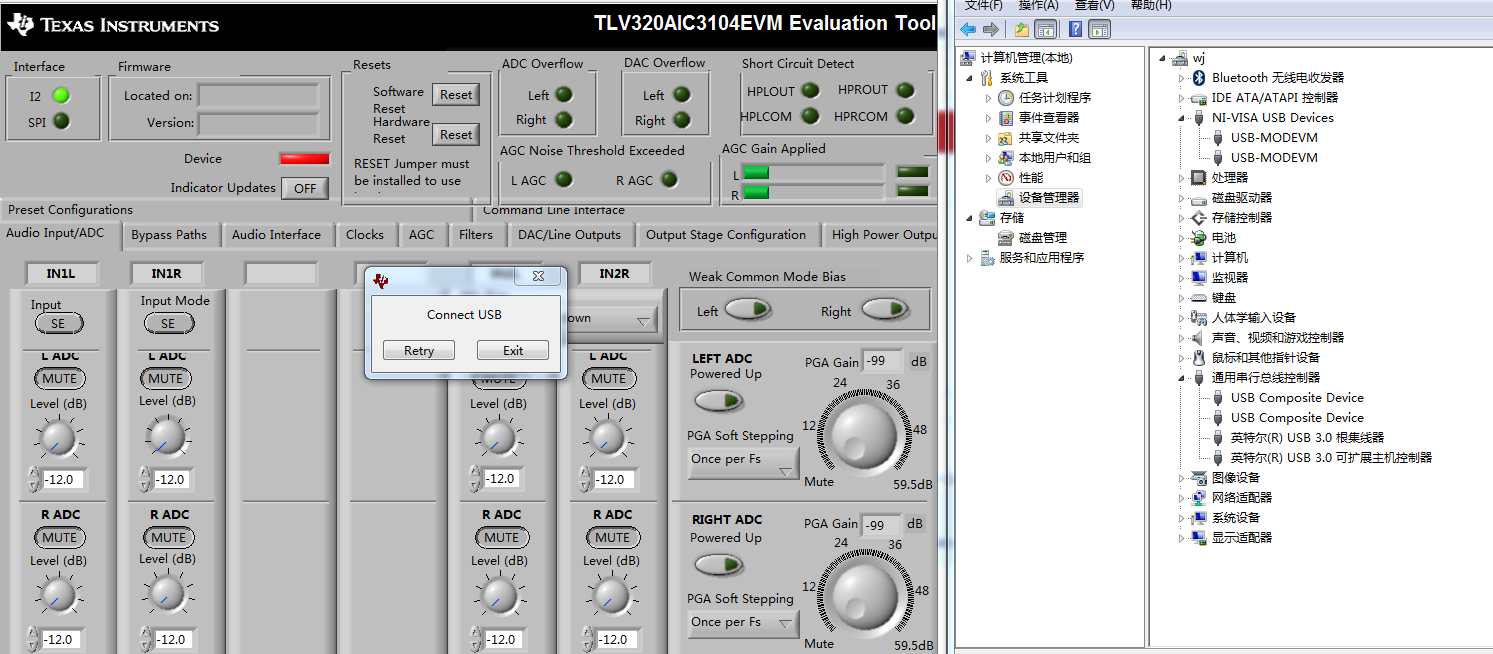
4.Connect the EVM to the PC.
5.Open the computer manager in order to review if the device has been recognized or not.
6. If not, download the NI-VISA drivers. Select the device and install the drivers.