If you have a related question, please click the "Ask a related question" button in the top right corner. The newly created question will be automatically linked to this question.
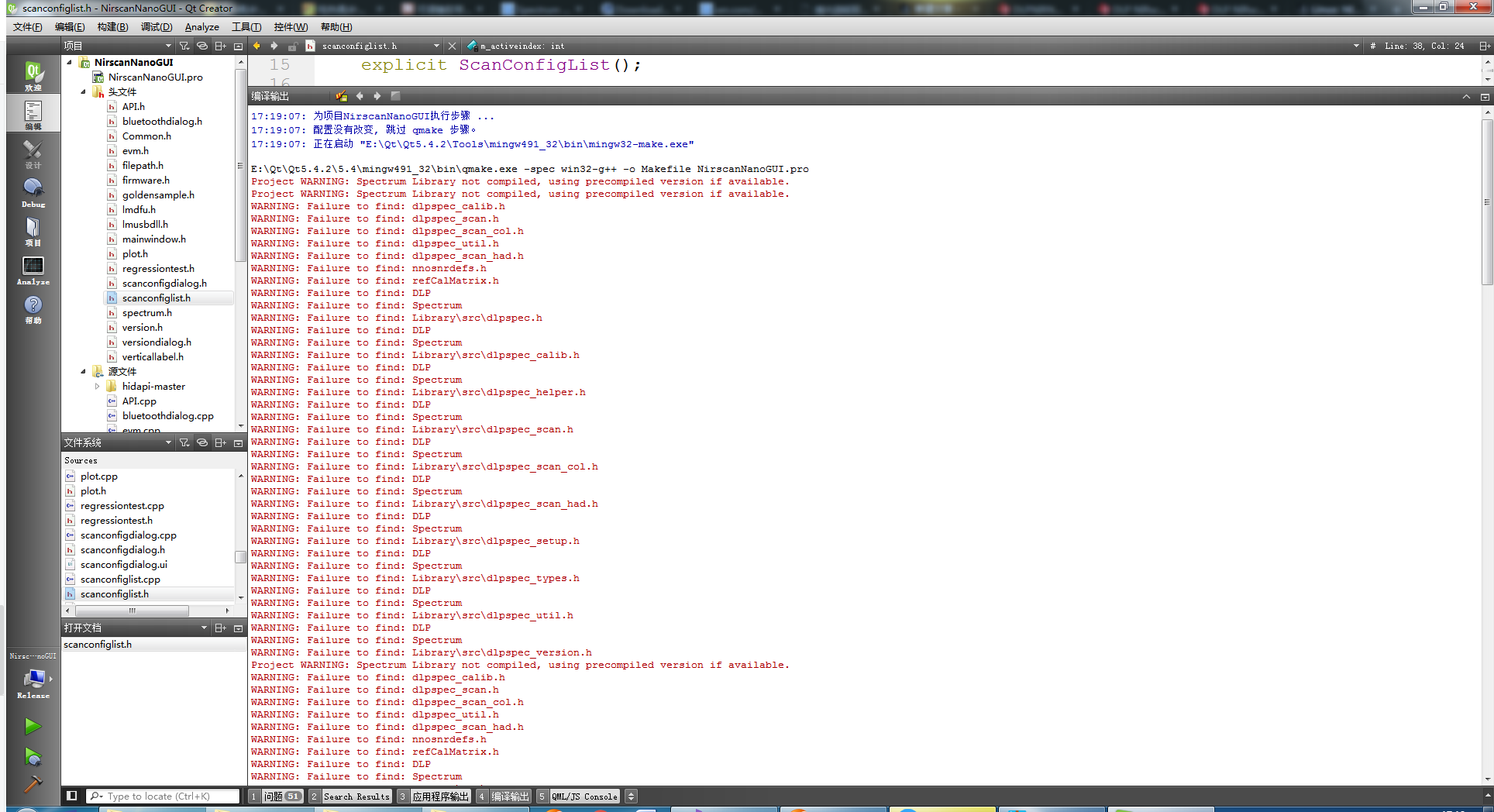
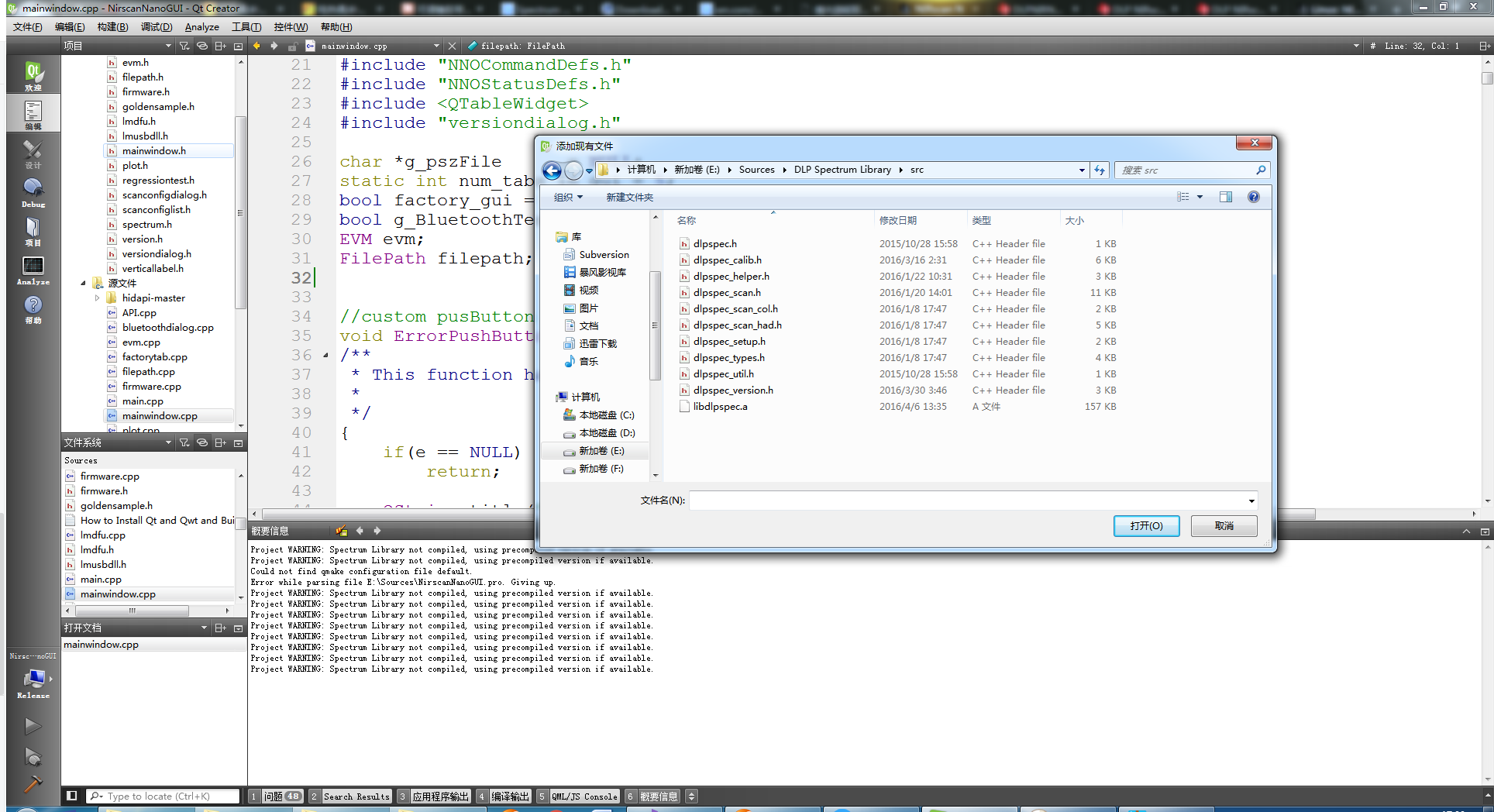
Project WARNING: Spectrum Library not compiled, using precompiled version if available.
Project WARNING: Spectrum Library not compiled, using precompiled version if available.
Could not find qmake configuration file default.
Error while parsing file E:\Sources\NirscanNanoGUI.pro. Giving up.
Project WARNING: Spectrum Library not compiled, using precompiled version if available.
Project WARNING: Spectrum Library not compiled, using precompiled version if available.
Project WARNING: Spectrum Library not compiled, using precompiled version if available.
Project WARNING: Spectrum Library not compiled, using precompiled version if available.
Project WARNING: Spectrum Library not compiled, using precompiled version if available.
Project WARNING: Spectrum Library not compiled, using precompiled version if available.
Project WARNING: Spectrum Library not compiled, using precompiled version if available.
Project WARNING: Spectrum Library not compiled, using precompiled version if available.
Project WARNING: Spectrum Library not compiled, using precompiled version if available. Project WARNING: Spectrum Library not compiled, using precompiled version if available. Could not find qmake configuration file default. Error while parsing file E:\Sources\NirscanNanoGUI.pro. Giving up. Project WARNING: Spectrum Library not compiled, using precompiled version if available. Project WARNING: Spectrum Library not compiled, using precompiled version if available. Project WARNING: Spectrum Library not compiled, using precompiled version if available. Project WARNING: Spectrum Library not compiled, using precompiled version if available. Project WARNING: Spectrum Library not compiled, using precompiled version if available. Project WARNING: Spectrum Library not compiled, using precompiled version if available. Project WARNING: Spectrum Library not compiled, using precompiled version if available. Project WARNING: Spectrum Library not compiled, using precompiled version if available.
DLP NIRscan Nano GUI: This software bundle includes the executable and source files for the PC-based Graphical User Interface (GUI) for easy communication with the DLP NIRscan Nano. The source files were developed using the QT Library v5.4.2 and QT Creator v3.4.1