Other Parts Discussed in Thread: DLPC900, DLP500YX
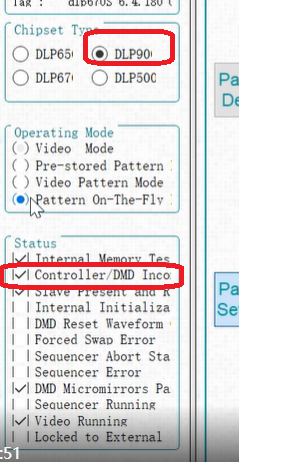
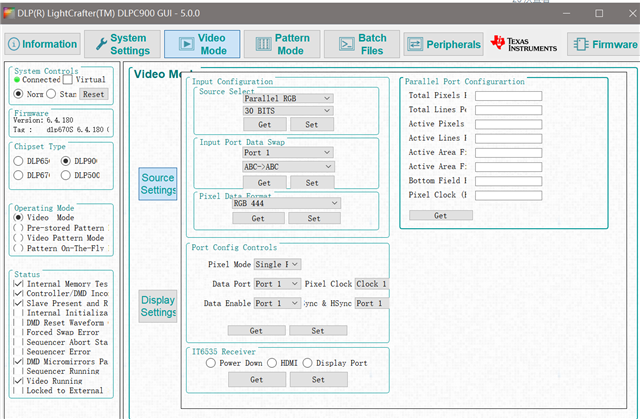
My computer can connect with the device, but the DLP9000 can not be set in a pattern mode in operating mode dialog. If I chose the "Pattern on the fly", it jump back to the “Video mod
This thread has been locked.
If you have a related question, please click the "Ask a related question" button in the top right corner. The newly created question will be automatically linked to this question.
I have tested it based on the latest GUI version: 5.1.178, there is no such issue.
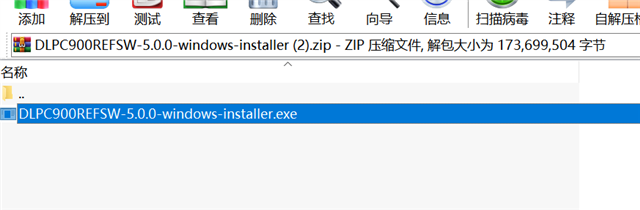
Please test it based on the latest version: https://www.ti.com/tool/DLPC900REF-SW
First choose Pattern on the fly and then load the pattern.
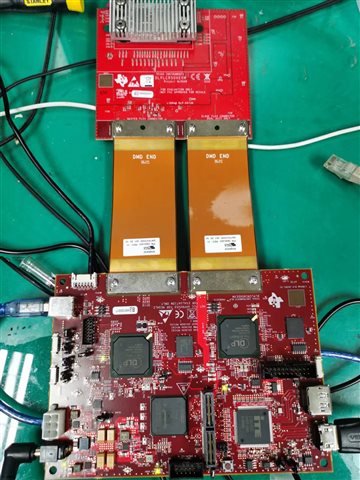
The power supply is enough?
My power supply has the capacity of 12V--5A, I think that is enough. And the GUI version
www.ti.com/.../quote]is 5.0.0, is not 5.1.178.
Whatever I set operating mode before loading the image or after, the display mode will jump to video mode, and I can not update the LUT
Please test it based on the latest version: https://www.ti.com/tool/DLPC900REF-SW
I have sent this V5.1.178 to you.
also the firmware DLPR900PROM-500YX-v6.1.178 to upgrade DLPC900 FLASH.
Please contact the EVM vendor as early to figure out the root cause.
The software detected the wrong DMD part#(Should be DLP500YX not DLP9000).