This thread has been locked.

If you have a related question, please click the "Ask a related question" button in the top right corner. The newly created question will be automatically linked to this question.

[参考译文] LP-MSPM0G3519:目标内核不可访问:错误:内核断电

Guru**** 2766625 points

Other Parts Discussed in Thread: LP-MSPM0G3519

请注意,本文内容源自机器翻译,可能存在语法或其它翻译错误,仅供参考。如需获取准确内容,请参阅链接中的英语原文或自行翻译。

https://e2e.ti.com/support/microcontrollers/arm-based-microcontrollers-group/arm-based-microcontrollers/f/arm-based-microcontrollers-forum/1609874/lp-mspm0g3519-target-core-not-accessible-error-core-power-down

器件型号: LP-MSPM0G3519

尊敬的团队:

我们正在努力 LP-MSPM0G3519、 在 PLL 初始化期间、内核进入断电状态。 之后、我们无法在器件上重新访问。 在调试器中、我们可以看到器件在低功耗模式下始终处于运行模式。 我们会请求您的支持人员、以了解我们如何恢复 LaunchPad LP-MSPM0G3519。

请查找所附的片段供您参考
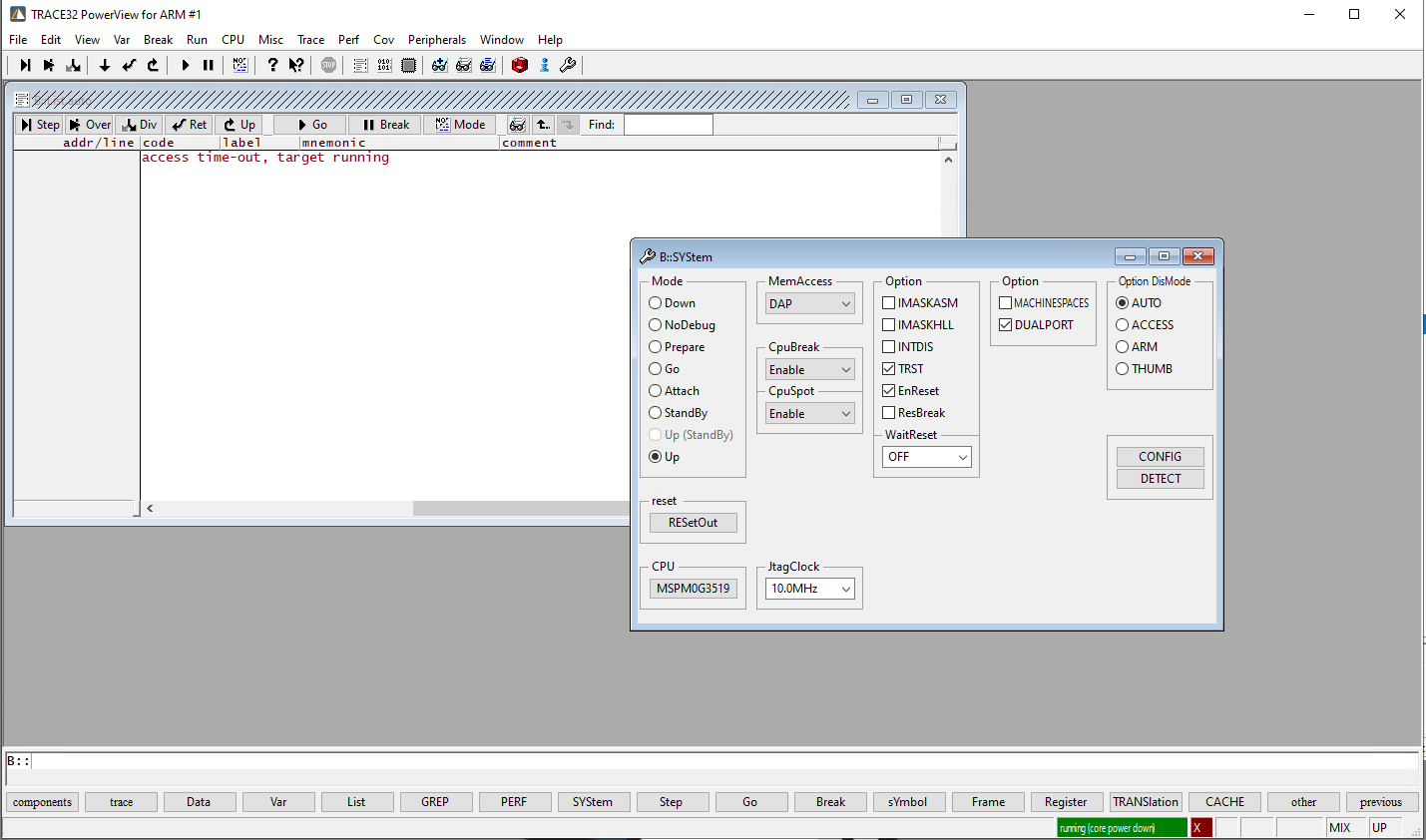
image.png

  • 请注意,本文内容源自机器翻译,可能存在语法或其它翻译错误,仅供参考。如需获取准确内容,请参阅链接中的英语原文或自行翻译。

    尊敬的 Manjunath:

    能否通过以下方式将器件置于 BSL 模式:

    1. 按住 NRST 按钮
    2. 长按 BSL 调用 按钮
    3. 断开电源
    4. 重新连接电源
    5. 释放 NRST 按钮
    6. 释放 BSL 调用按钮

    然后看看是否可以连接到器件?

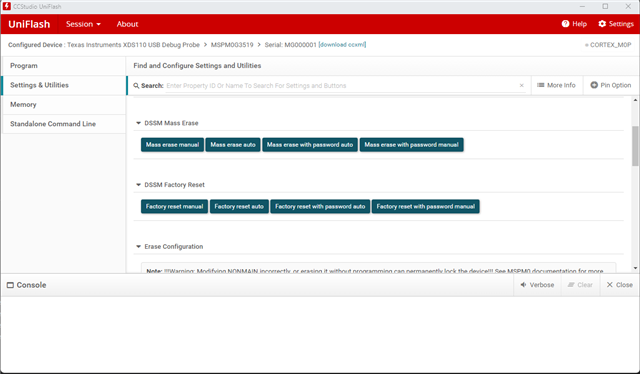
    或者、您是否拥有或能够安装 TI 的 Uniflash 工具?

    在“Settings & Utilities“选项卡中、有批量擦除和出厂重置器件的选项:

    你可以尝试这些看看设备是否可以恢复?

    此致、
    Brian