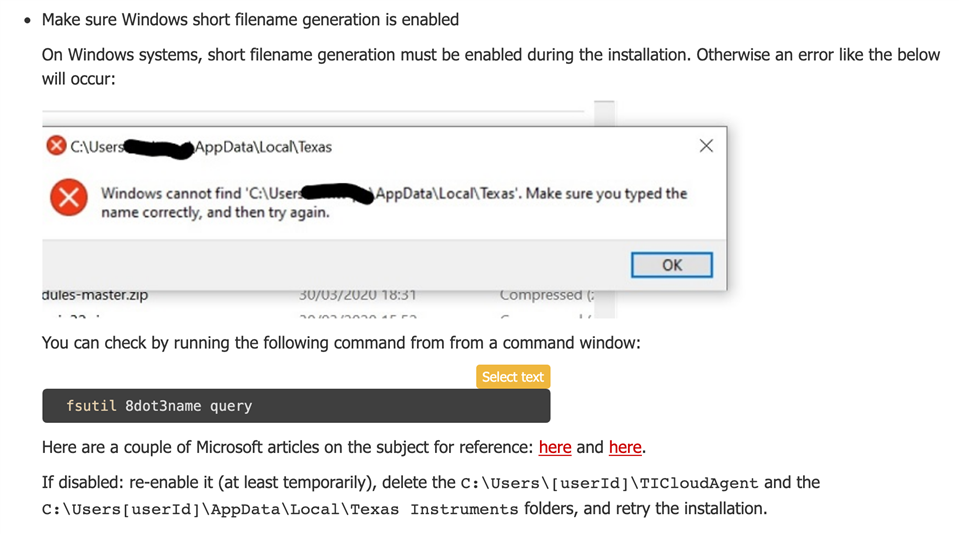
IM 使用此 URL https://dev.ti.com/tirex/wizard for cloud composer studio IDE。 此链接对我在 Linux 上不起作用。 在 Windows 10上、它也会失败。 有什么关于如何解决此问题的想法吗?
This thread has been locked.
If you have a related question, please click the "Ask a related question" button in the top right corner. The newly created question will be automatically linked to this question.
IM 使用此 URL https://dev.ti.com/tirex/wizard for cloud composer studio IDE。 此链接对我在 Linux 上不起作用。 在 Windows 10上、它也会失败。 有什么关于如何解决此问题的想法吗?

嗯。 我通过安装对话框"获取更多帮助"或其他内容找到了此文档。
它将带您进入建议检查8.3文件名快捷方式的页面。
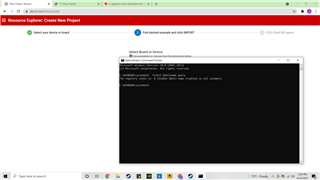
最初、当我在 CLI 中运行以下命令以检查功能支持时、它会显示为已禁用。
c;]]> fsutil 8dot3name 查询
所包含的参考说明执行此操作并重新引导
C:> fsutil Behavior set disable8dot3 0
然后、我卸载了扩展和部分安装云代理。
但是、尽管现在显示支持该功能、但问题仍然存在。
例如、状态为1、现在为0。

John、
对于 Windows、这与禁用短文件支持时看到的消息类似。
有关这一点的更多信息、请参阅疑难解答。 https://software-dl.ti.com/ccs/esd/documents/ti_cloud_agent.html#Troubleshooting

此致、
John