This thread has been locked.

If you have a related question, please click the "Ask a related question" button in the top right corner. The newly created question will be automatically linked to this question.

[参考译文] CCS/MSP430G2553:'Run'菜单呈灰色显示。

Guru**** 2561410 points
Other Parts Discussed in Thread: MSP430G2553

请注意,本文内容源自机器翻译,可能存在语法或其它翻译错误,仅供参考。如需获取准确内容,请参阅链接中的英语原文或自行翻译。

https://e2e.ti.com/support/tools/code-composer-studio-group/ccs/f/code-composer-studio-forum/748712/ccs-msp430g2553-options-in-run-menu-are-grayed-out

器件型号:MSP430G2553

工具/软件:Code Composer Studio

您好!

我刚刚开始使用 Code Composer Studio 进行编程。 我使用的是 MSP430G2553 MCU。 我按照  本教程进行操作、添加了用于切换 LED 的代码、并构建了具有以下输出的项目:

**** Build of configuration Debug for project Float Precision ****

"C:\\ti\\ccsv8\\utils\\bin\\gmake" -k -j 4 all -O 

gmake[1]: 'Float Precision.out' is up to date.

**** Build Finished ****

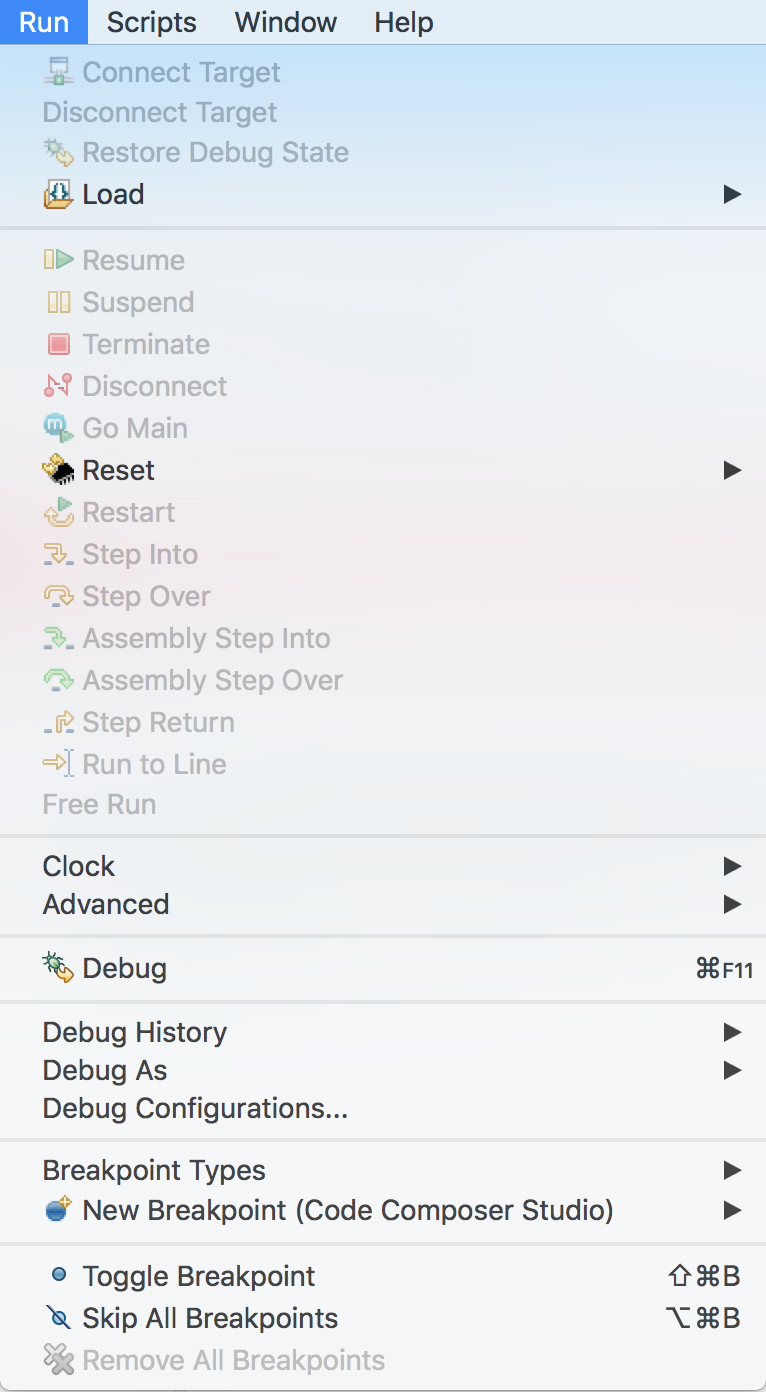
在此之后、我应该单击"Run -> Debug"。 但是,“运行”菜单中的所有选项均呈灰色显示。 我看到以下内容:

如何获得正常菜单?

谢谢