This thread has been locked.

If you have a related question, please click the "Ask a related question" button in the top right corner. The newly created question will be automatically linked to this question.

[参考译文] BOOSTXL-DRV8305EVM:BOOSTXL-DRV832X EVM GUI 在n´t Setup_boostxldrv832x-1.0.0_EVM.exe 后未显示在 Desktop/Start-up(桌面/启动)菜单中

Guru**** 2826755 points
请注意,本文内容源自机器翻译,可能存在语法或其它翻译错误,仅供参考。如需获取准确内容,请参阅链接中的英语原文或自行翻译。

https://e2e.ti.com/support/motor-drivers-group/motor-drivers/f/motor-drivers-forum/1628359/boostxl-drv8305evm-boostxl-drv832x-evm-gui-didn-t-appear-to-desktop-start-up-menu-after-setup_boostxldrv832x-1-0-0_evm-exe-installation

器件型号: BOOSTXL-DRV8305EVM

您好、

我´m 了所有必需的软件包后尝试构建和运行 BOOSTXL-DRV832X EVM。
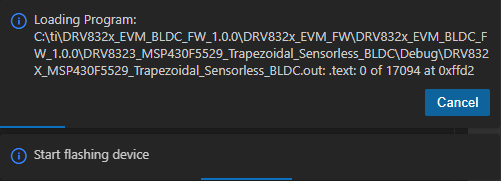
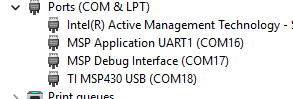
n´t、在安装标题中提到的 EVM GUI 后、我找到了一个 GUI。 我已经将 BOOSTXL-DRV832X EVM 连接到 MSP430F5529LP 板、并使用 CCS 刷写了程序。 我在 Start-up 菜单中得到的一个是之前安装的 Sensing Solutions EVM GUI、如下所示。
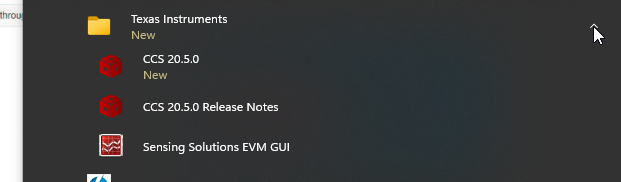
image.png

如何正确安装用于 BLDC 电机控制器的 EVM GUI?

image.png

image.png