Other Parts Discussed in Thread: SIMPLELINK-WIFI-TOOLBOX
请注意,本文内容源自机器翻译,可能存在语法或其它翻译错误,仅供参考。如需获取准确内容,请参阅链接中的英语原文或自行翻译。
器件型号: LP-XDS110ET
Thread 中讨论的其他器件:SIMPLELINK-WIFI-TOOLBOX 、 CC3551E
您好、
我遇到以下问题、然后尝试手动刷写无线电工具。
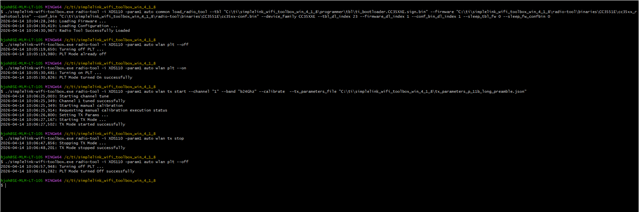
./simplelink-wifi-toolbox.exe radio-tool -i XDS110 -param1 auto common load_radio_tool --tbl "C:\ti\simplelink_wifi_toolbox_win_4_1_8\radio-tool\binaries\CC3551E\cc35xx_radiotool.bin" --firmware "C:\ti\simplelink_wifi_toolbox_win_4_1_8\radio-tool\binaries\CC3551E\cc35xx_fw.bin" --conf_bin "C:\ti\simplelink_wifi_toolbox_win_4_1_8\radio-tool\binaries\CC3551E\cc35xx-conf.bin" --device_family CC35XXE --tbl_dl_index 23 --firmware_dl_index 1 --conf_bin_dl_index 1 --sleep_tbl_fw 0 --sleep_fw_confbin 0
2026-04-09 14:35:47,369: Loading Firmware ...
2026-04-09 14:35:48,914: Download process failed.
Error message: Last operation <function PyXds110._secap_bulk_write at 0x000001D3A2B35C60> return error code -1141 stopping process
2026-04-09 14:35:48,917: Fail to download Firmware, with error Last operation <function PyXds110._secap_bulk_write at 0x000001D3A2B35C60> return error code -1141 stopping process
刷写无线电工具没有问题、然后在 Windows 模式下打开 simplelink-wifi 工具箱。
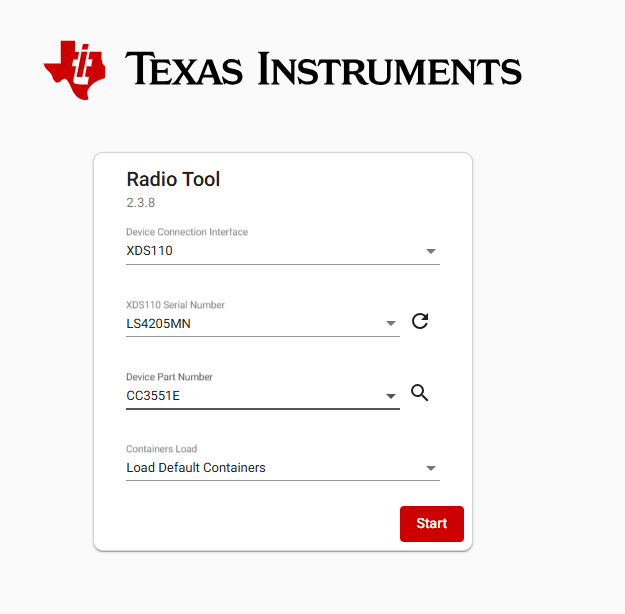
然后在按下启动按钮后,它将在一些闪存,等结束与 UI
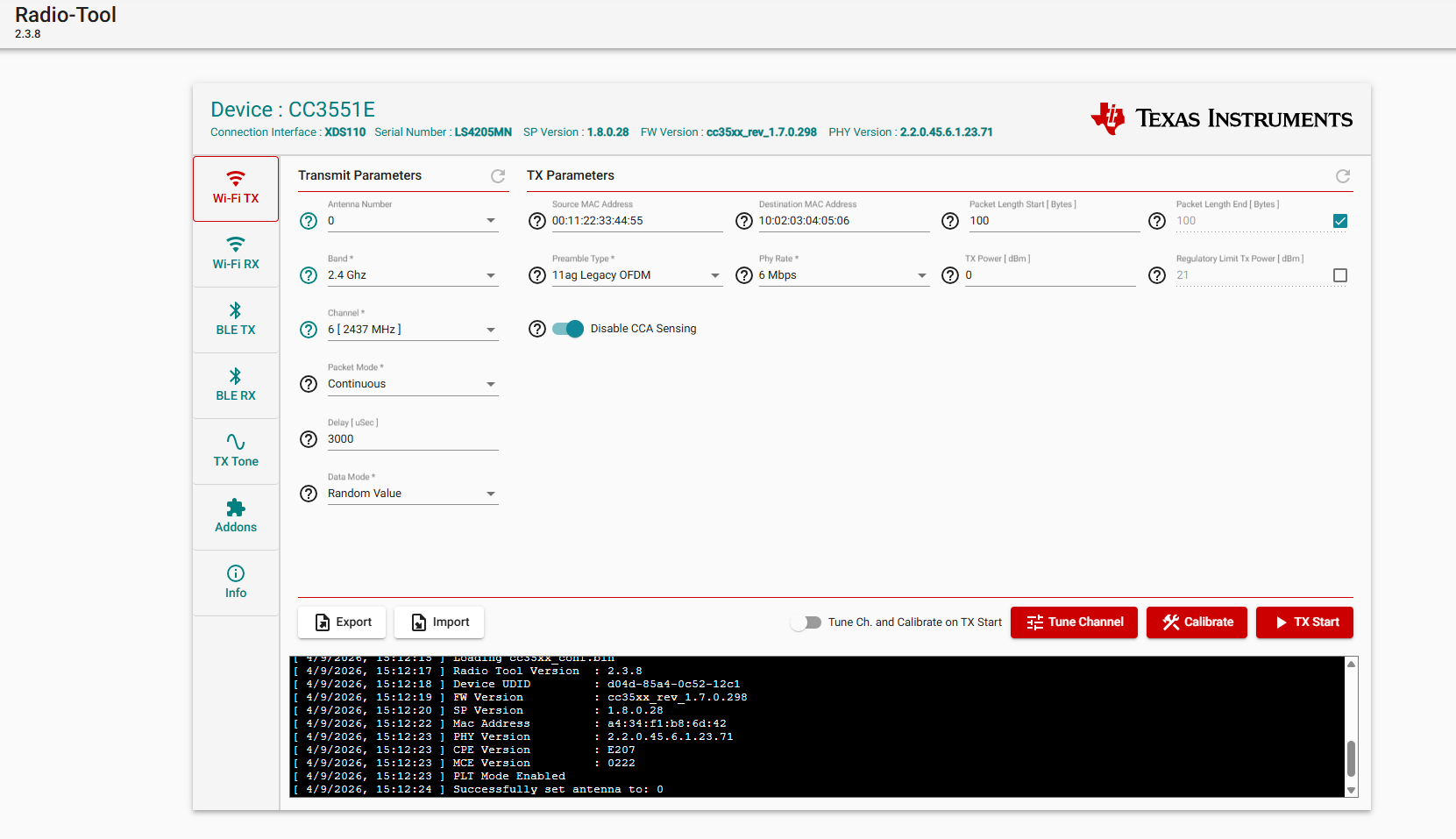
在这里、我可以使用数据包启动 WiFi TX、这样我可以看到所有内容似乎都正常工作、然后打开 UI、但我无法使用 CLI 达到这么远、因为您可以在顶部看到、它在某些方法 PyXds110._SECAP_BULK_WRITE 上失败。
如何解决此问题?
BR
Håkan μ s