This thread has been locked.
If you have a related question, please click the "Ask a related question" button in the top right corner. The newly created question will be automatically linked to this question.
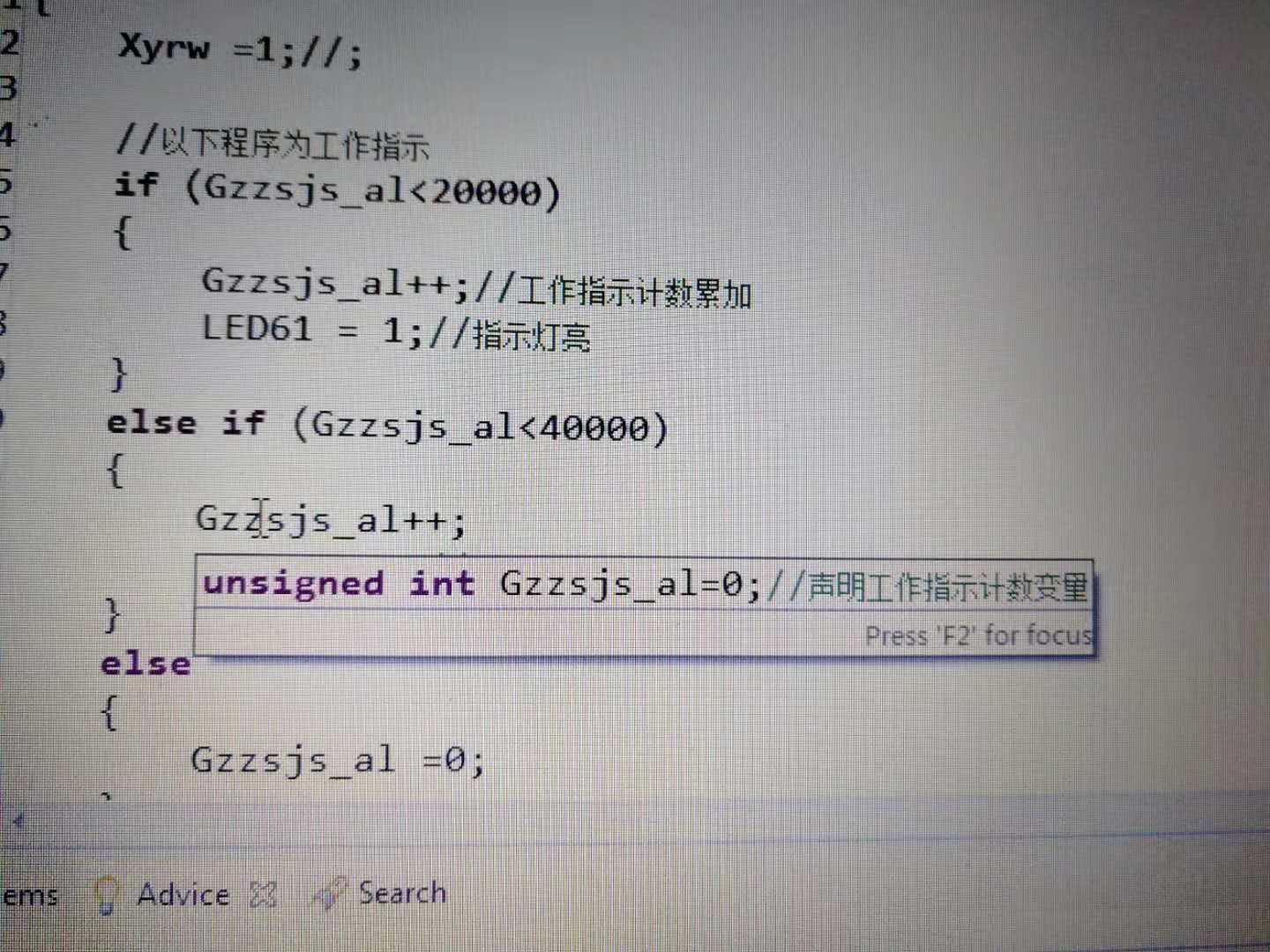
如图所示,鼠标指向函数或变量时,如何取消自动提示框?
我实测了,提示全部取消勾选,还是有这个提示框
CCS是基于eclipse的,因此具有代码补全提示功能,具体设置为止如下:
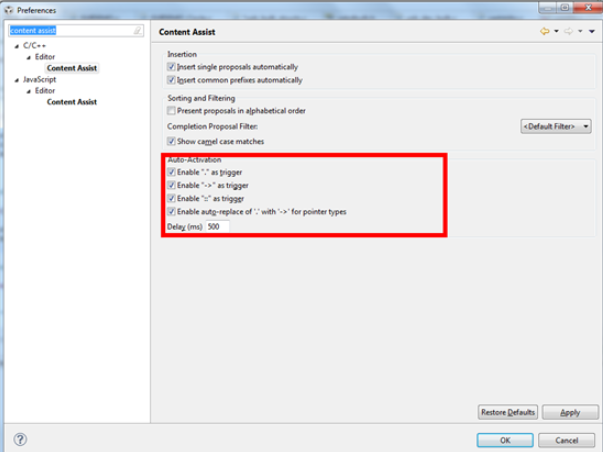
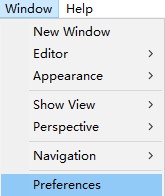
打开Windows菜单下preferences选项,在左上角搜索框内输入content assist,如下图所示
红框中部分便是自动补全设置,包括触发字符以及延时。
针对C/C++和Javascript可以分别进行不同的设置。
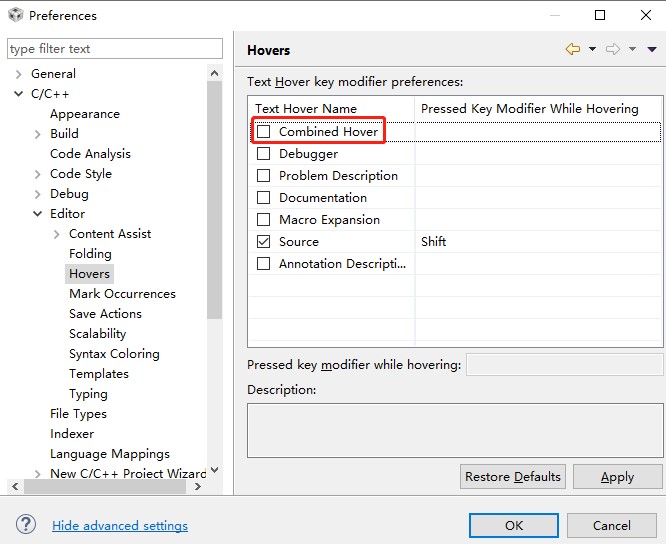
Window___Preferences___C/C++___Editor___Hovers___Combined Hover 取消勾选