


你好:
在e2e.ti.com上我想增加 valid company email address,但是根据操作指导
- Log in with your old email address.
- Click Login & profile on the left hand side of the page.
- Type over your old email address (twice - also in the Confirm email address field).
- Save your changes by clicking the Save changes button at the bottom of the Edit profile page.
- Complete the email validation process to continue using your myTI account.
第二步点击profile下去没有反应,停留在:
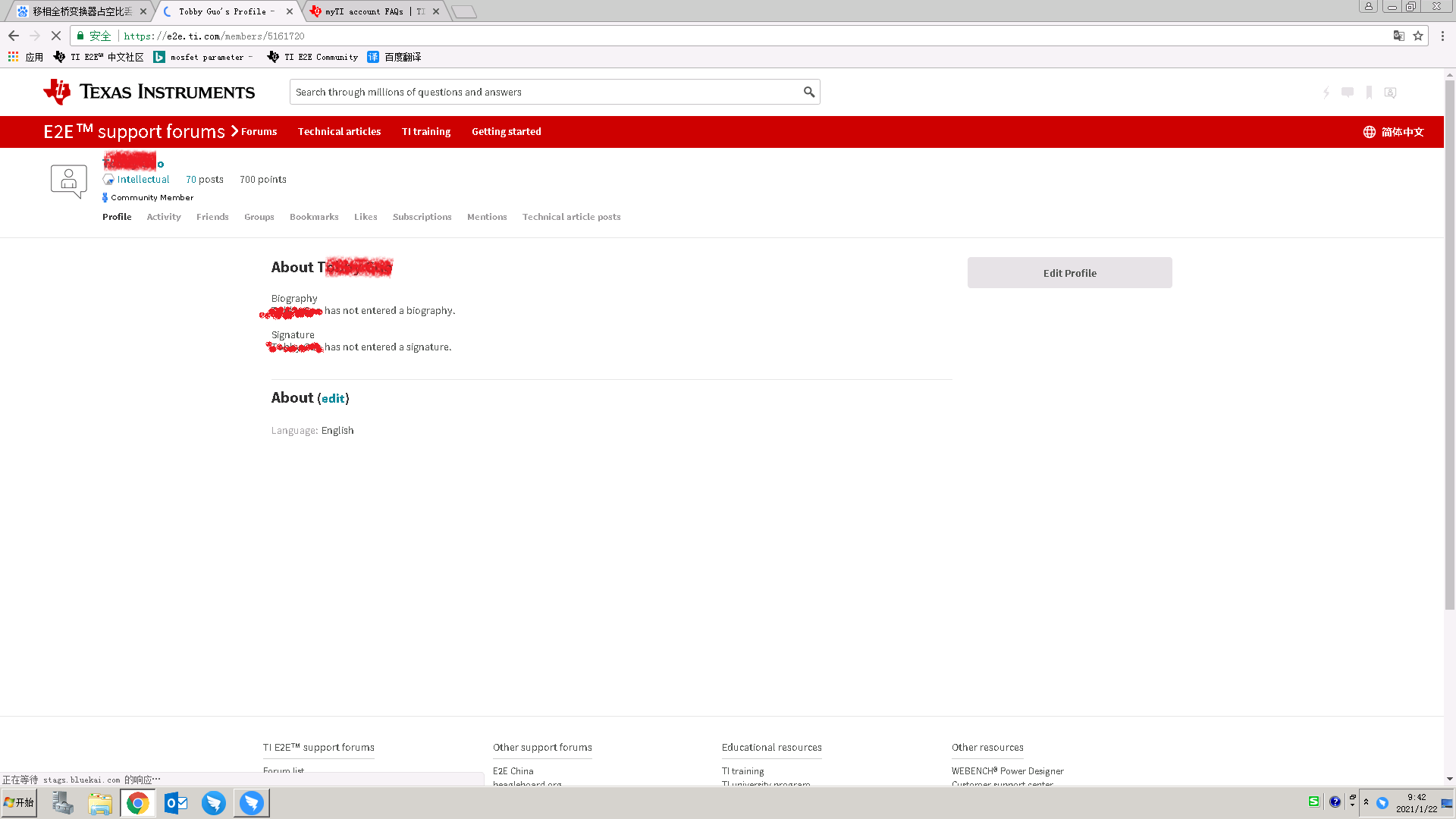
该怎么操作,多谢


