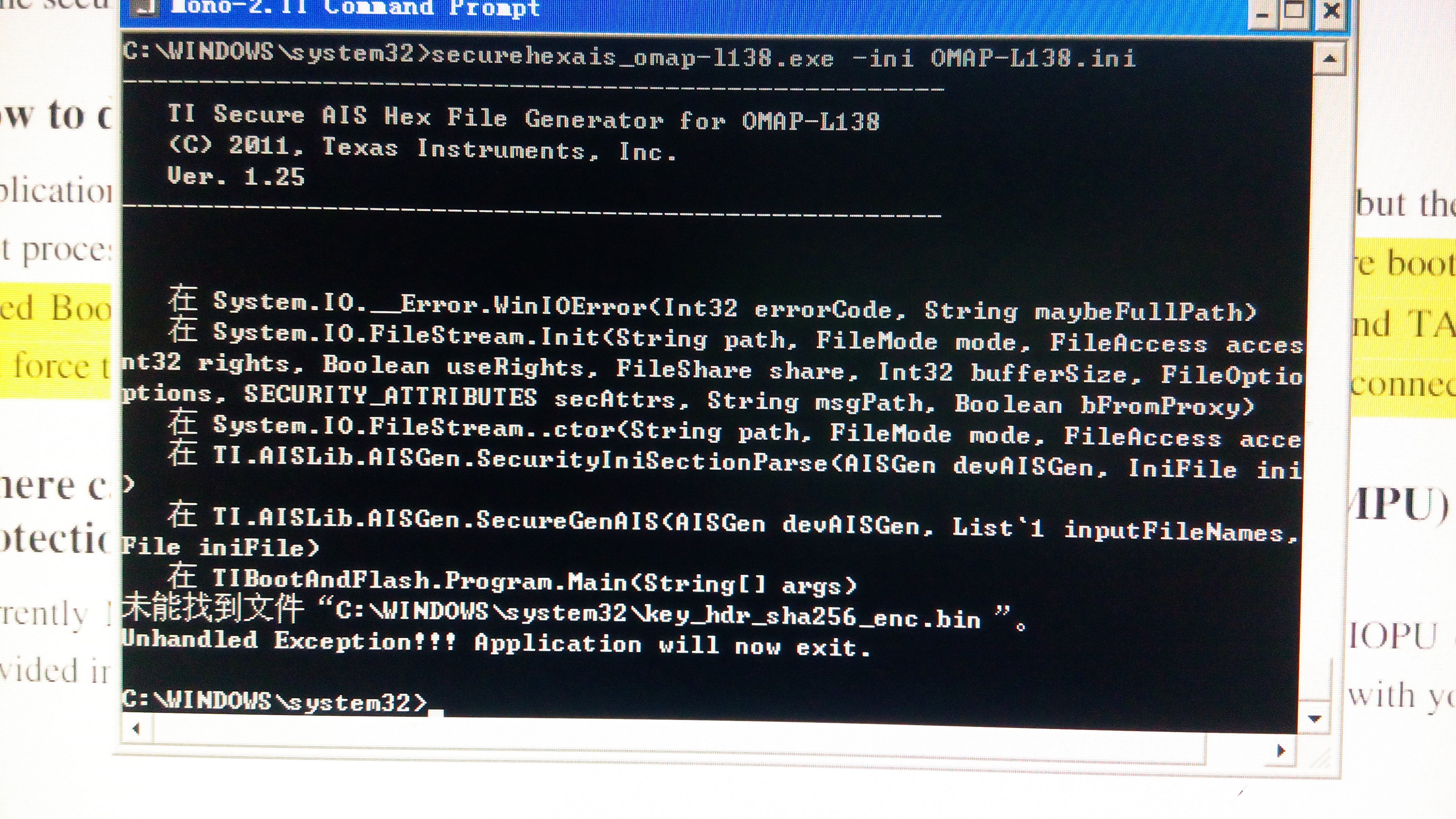
If you have a related question, please click the "Ask a related question" button in the top right corner. The newly created question will be automatically linked to this question.
SecureHexAIS_OMAP-L138 [Options] [Input File Names] <Option> can be any of the following: -h Show this help screen. -entrypoint <Addr> Force specified entry point for AIS boot image. -ini <INI file name> Specify the ini file (default is OMAP-L138.ini). -otype <Output Type> Specify type of output file, from following:. binary Create a binary AIS file (.bin), default. carray Create a text file with AIS data in a C array (.c). srecord@addr Create a Motorola S-record format (.srec) at addr. text Create a text file with AIS data as ASCII text (.txt). -o <Output File Name> Explicitly specify the output filename. Default is input file name with extension based on output type.
Input files (ELF or COFF object files OR Binary files) can be supplied on the command line or via the INI file. Binary files must be supplied with a load address, so they are specified in the following manner: <Binary File Name>@<Hex Load Address>
It is recommended to use the INI file syntax for placing and including files since that provides greater flexibility (see below).