This thread has been locked.
If you have a related question, please click the "Ask a related question" button in the top right corner. The newly created question will be automatically linked to this question.
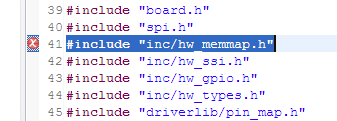
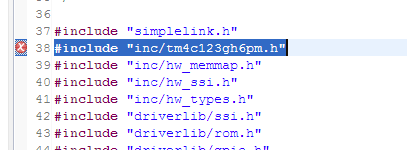
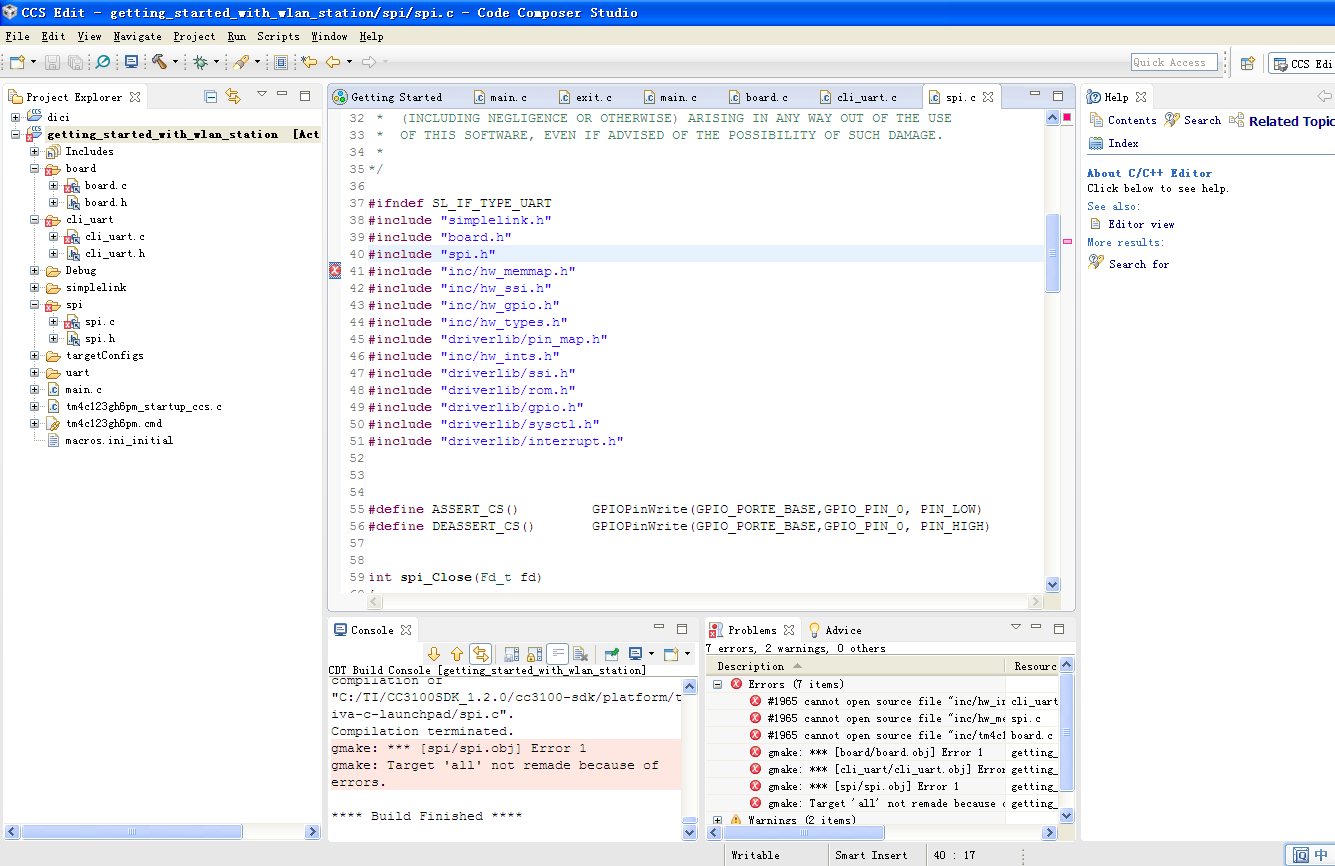
从图片中看到错误信息是编译器在编译过程中未找到该路径的文件,首先确认在CCS的设置的地址引用中,该地址索引下是否有对应的文件,如果没有需要添加,或者修改CCS在该地址的索引,
关于CCS的一些基本使用参考如下:
①在工程属性中 Linked Resources-> Path Variables中添加<1>Name:CC3200_SDK_ROOT Value:${ORIGINAL_PROJECT_ROOT}\..\..\..同时注意下Resolved Location地址是否正确!<2>Name:ORIGINAL_PROJECT_ROOT Value:C:\ti\CC3200SDK_1.1.0\cc3200-sdk\example\blinky\ccs
①ARM-Compiler->Include Options 注:实际CC3200_SDK_ROOT指向 C:\ti\CC3200SDK_1.1.0\cc3200-sdk
"${CG_TOOL_ROOT}/include""${CC3200_SDK_ROOT}/simplelink/""${CC3200_SDK_ROOT}/simplelink/include""${CC3200_SDK_ROOT}/simplelink/source""${CC3200_SDK_ROOT}/example/common""${CC3200_SDK_ROOT}/driverlib""${CC3200_SDK_ROOT}/inc"
②ARM-Linker->File Search Path
"libc.a""${CC3200_SDK_ROOT}/simplelink/ccs/NON_OS/simplelink.a""${CC3200_SDK_ROOT}/driverlib/ccs/Release/driverlib.a"
Addition:
<1>ARM-Compiler->Advanced options->Predefined Symbols 在Pre-define NAME添加:ccsUSER_INPUT_ENABLEcc3200
<3>默认情况下,通过CCS编译的工程,只生成.out文件。需要通过工程配置,添加必要的语句,编译后生成bin文件(也叫post build)
在Build->Steps->Post-build steps下添加:
"${CCE_INSTALL_ROOT}/utils/tiobj2bin/tiobj2bin" "${BuildArtifactFileName}" "${BuildArtifactFileBaseName}.bin" "${CG_TOOL_ROOT}/bin/armofd" "${CG_TOOL_ROOT}/bin/armhex" "${CCE_INSTALL_ROOT}/utils/tiobj2bin/mkhex4bin"
然后Rebuild All就可以在Debug/Release下生成.bin文件了
<4>在CCS工程的Debug/Release下中的.map文件中查看:
MEMORY CONFIGURATION
name origin length used unused attr fill---------------------- -------- --------- -------- -------- ---- --------SRAM_CODE 20004000 00013000 00008ec6(程序代码大小) 0000a13a RW XSRAM_DATA 20017000 00019000 00001e30(程序RAM大小) 000171d0 RW X