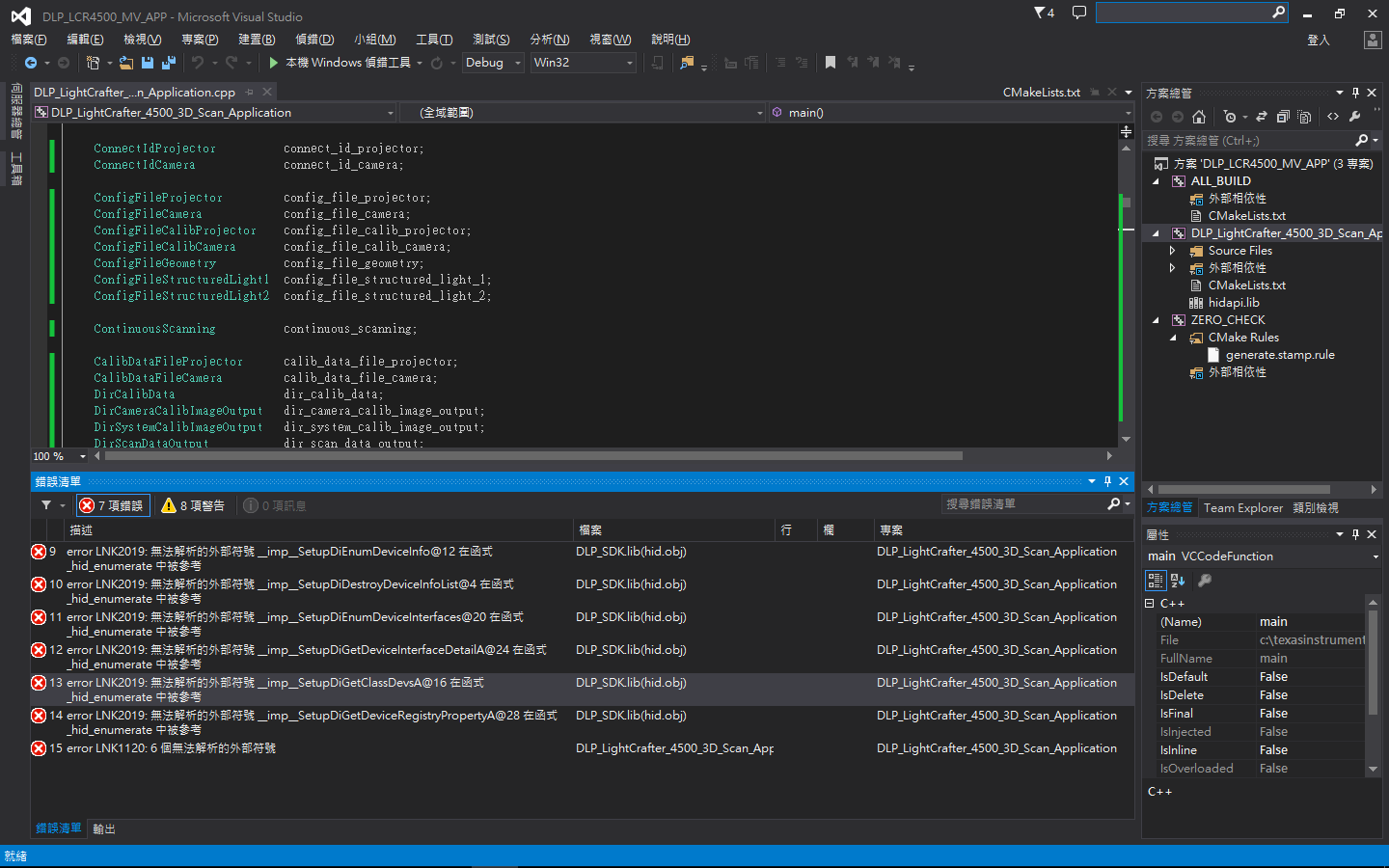
If you have a related question, please click the "Ask a related question" button in the top right corner. The newly created question will be automatically linked to this question.
The following pieces of software are required to build the DLP ALC SDK: 1. CMake v3.1: https://cmake.org/download/ 2. Qt v5.3.2 (for the MinGW 4.8 compiler): http://download.qt.io/archive/qt/5.3/5.3.2/ 3. OpenCV v2.4.10: https://sourceforge.net/projects/opencvlibrary/files/opencv-win/2.4.10/ 4. Doxygen v1.8.11: http://www.stack.nl/~dimitri/doxygen/download.html 5. TI DLP SDK v2.0: http://www.ti.com/tool/DLP-ALC-LIGHTCRAFTER-SDK Be sure to download the proper file types for your system. These downloads are large and, depending on your web connection, can take a long time. Throughout this guide we will be using a 32-bit Windows 7 system. The file names and approximate sizes in this case are: • cmake-3.5.0-win32-x86.msi (15 Mb) • qt-opensource-windows-x86-mingw482_opengl-5.3.2.exe (737 Mb) • opencv-2.1.10.exe (367.3 Mb) • doxygen-1.8.11-setup.exe (24 Mb) • DLPSDK-2.0-windows-installer.zip (7kB)