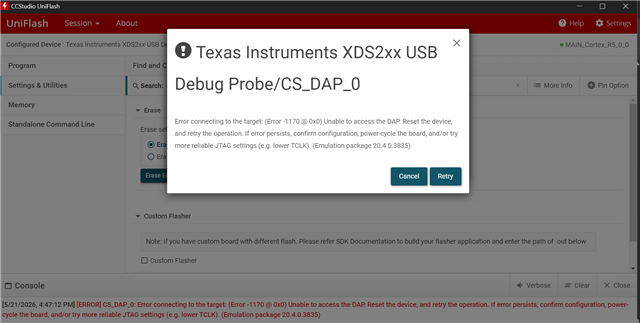
Other Parts Discussed in Thread: CCSTUDIO, UNIFLASH, TMDSEMU200-U, TMDS64EVM
请注意,本文内容源自机器翻译,可能存在语法或其它翻译错误,仅供参考。如需获取准确内容,请参阅链接中的英语原文或自行翻译。
器件型号: TMDSEMU200-U
Thread 中讨论的其他器件: TMDS64EVM 、CCSTUDIO 、UNIFLASH、 TMDSEMU110-U
尊敬的团队:
我在将 TMDS64EVM 与外部调试器 TMDSEMU200-U 连接到 J25 的情况下使用。
以前相同的设置可正常工作、但现在 CCS 无法与 XDS200 通信。
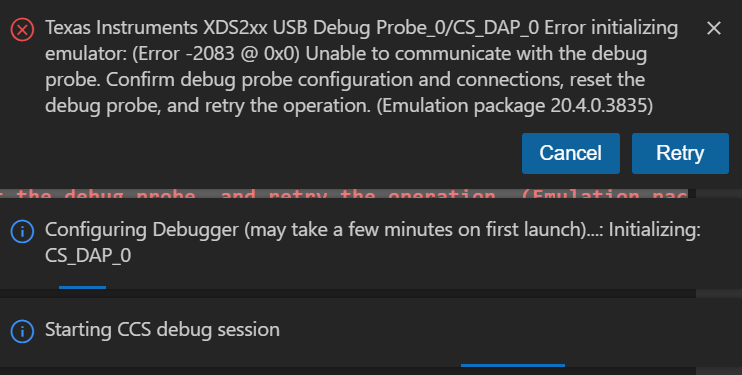
CCS 错误:
Texas Instruments XDS2xx USB Debug Probe_0/CS_DAP_0 Error initializing emulator:
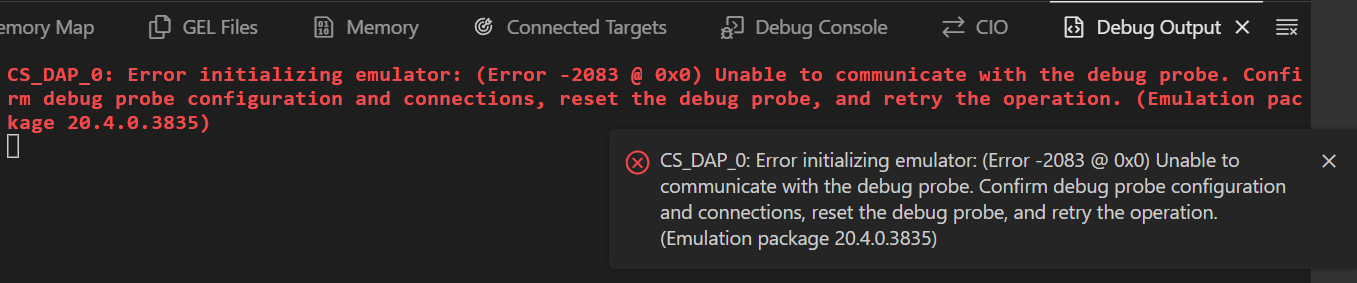
(Error -2083 @ 0x0) Unable to communicate with the debug probe.
Confirm debug probe configuration and connections, reset the debug probe,
and retry the operation. (Emulation package 20.4.0.3835)
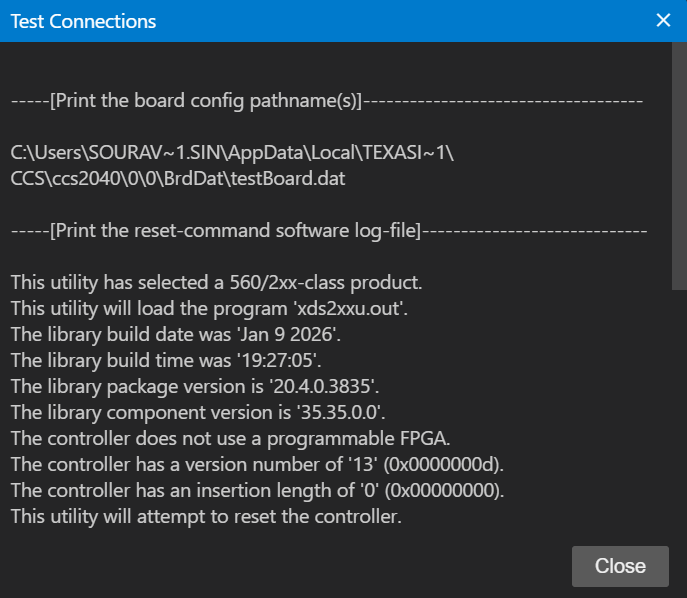
Test Connection from .ccxml Advance settings 提供:
-----[Print the board config pathname(s)]------------------------------------

C:\Users\SOURAV~1.SIN\AppData\Local\TEXASI~1\
CCS\ccs2040\0\0\BrdDat\testBoard.dat

-----[Print the reset-command software log-file]-----------------------------

This utility has selected a 560/2xx-class product.
This utility will load the program 'xds2xxu.out'.

E_RPCENV_IO_ERROR(-6) No connection: DTC_IO_Open::dtc_io
Failed to open i/o connection (xds2xxu:0)

An error occurred while soft opening the controller.

-----[An error has occurred and this utility has aborted]--------------------

This error is generated by TI's USCIF driver or utilities.

The value is '-250' (0xffffff06).
The title is 'SC_ERR_ECOM_EMUNAME'.

The explanation is:
An attempt to access the debug probe via USCIF ECOM has failed.
我还尝试了使用以下器件恢复/更新 XDS200 固件:
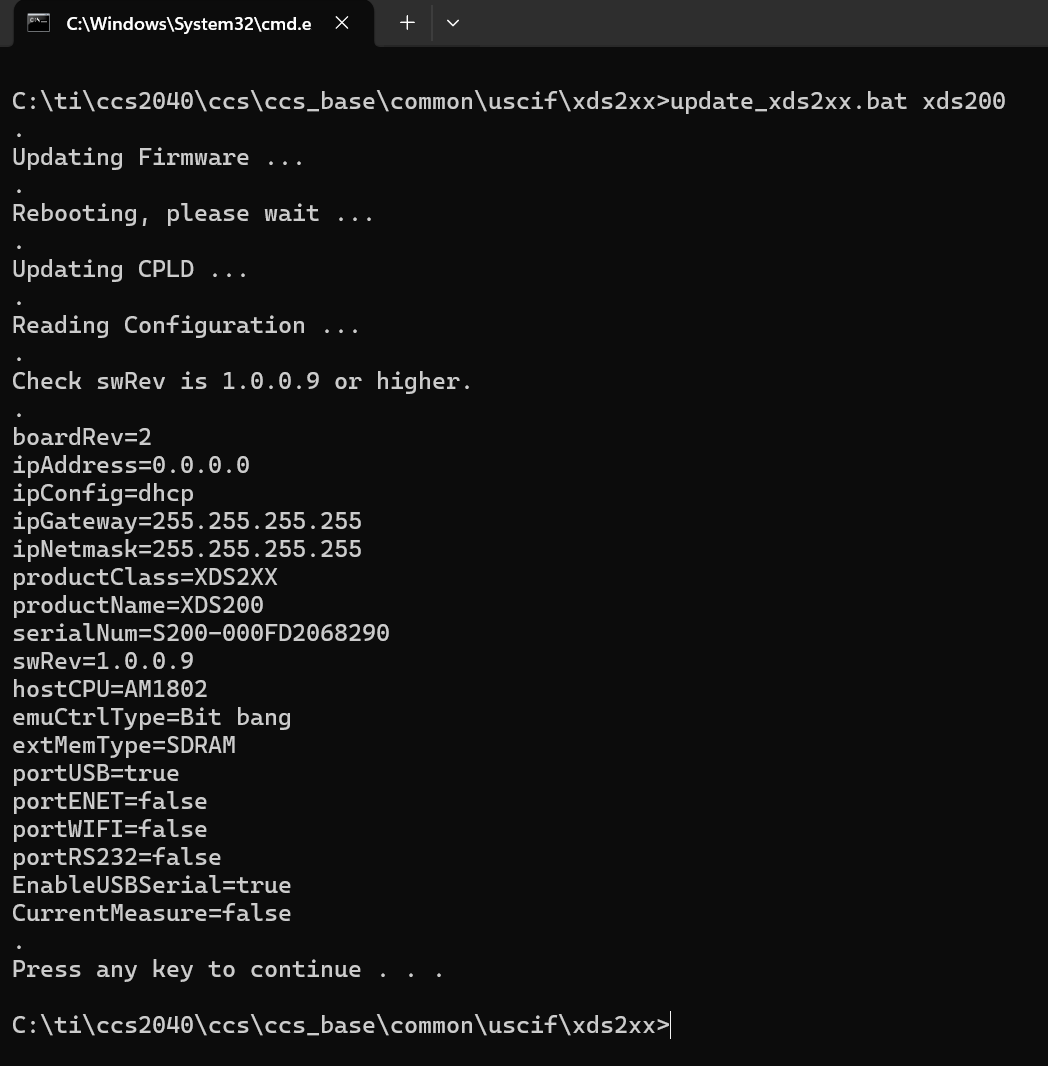
C:\ti\ccs2040\ccs\ccs_base\common\uscif\xds2xx>update_xds2xx.bat xds200
输出:
Updating Firmware ...
Rebooting, please wait ...
Updating CPLD ...
Reading Configuration ...

boardRev=2
ipAddress=0.0.0.0
ipConfig=dhcp
ipGateway=255.255.255.255
ipNetmask=255.255.255.255
productClass=XDS2XX
productName=XDS200
serialNum=S200-000FD2068290
swRev=1.0.0.9
hostCPU=AM1802
emuCtrlType=Bit bang
extMemType=SDRAM
portUSB=true
portENET=false
portWIFI=false
portRS232=false
EnableUSBSerial=true
CurrentMeasure=false
因此、固件更新成功、PC 检测到 XDS200、但 CCS 仍然无法连接。
如何解决此问题?
谢谢。