If you have a related question, please click the "Ask a related question" button in the top right corner. The newly created question will be automatically linked to this question.
I had a problem with the same symptoms and was able to resolve it. I don't guarantee that it will solve your problem.
My problem stems from:
1. The debug interface XDS110 with CMIS-DAP needs WinUSB
2. WinUSB is installed on Windows Vista and all subsequent versions of Windows, but not Windows XP
This is usually handled in Windows XP with a co-installer.
TI already has some files which look like they should co-install WinUSB, so I don't know what went wrong.
I was able to resolve it manually by using a program called zadig from http://zadig.akeo.ie/
The procedure I followed was:
1. Read the instructions on the web site. Read the usage guide.
2. Download the zadig program for Windows XP and run it. Do not download the program for Vista or later.
3. The program won't show you anything to change until you plug in the Launchpad
4. In the selection box of the program, choose XDS110 with CMIS-DAP (the first interface);
5. In the selection box of the program, choose XDS110 with CMIS-DAP (the second interface)
6. Exit the program
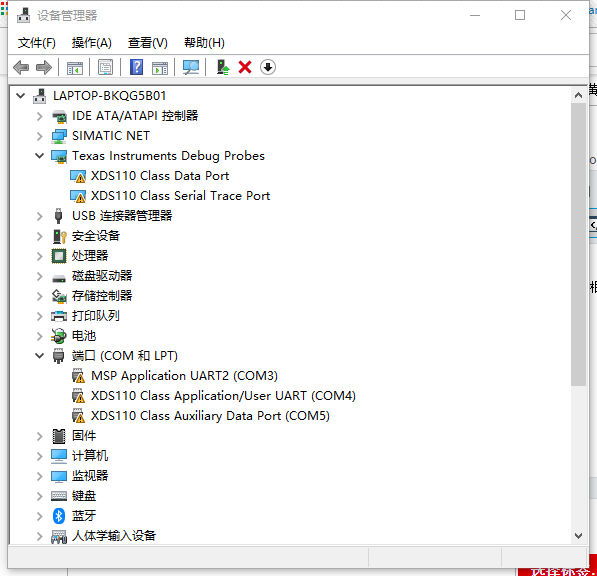
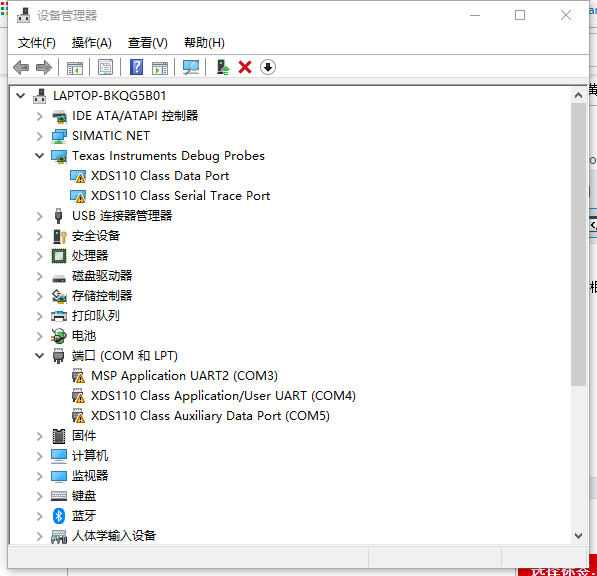
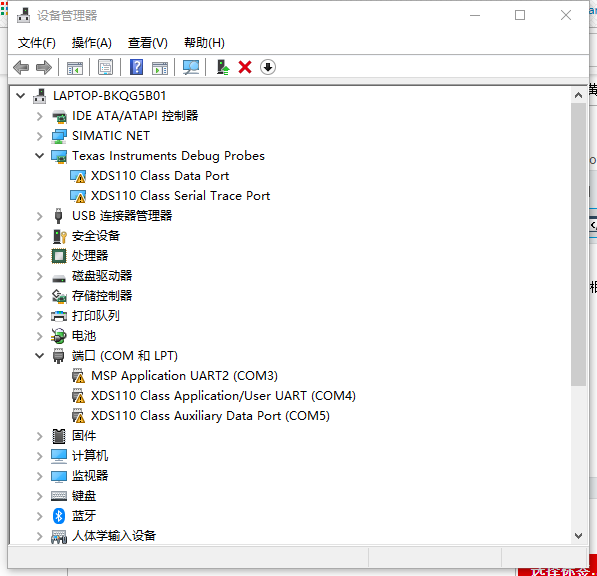
The device manager should say that both devices now have drivers.
Windows may want to re-install the driver if you plug the Launchpad into a different USB port.
The location for the driver on my installation is C:ti/ccsv6/ccs_base/emulation/windows/xds110_drivers/



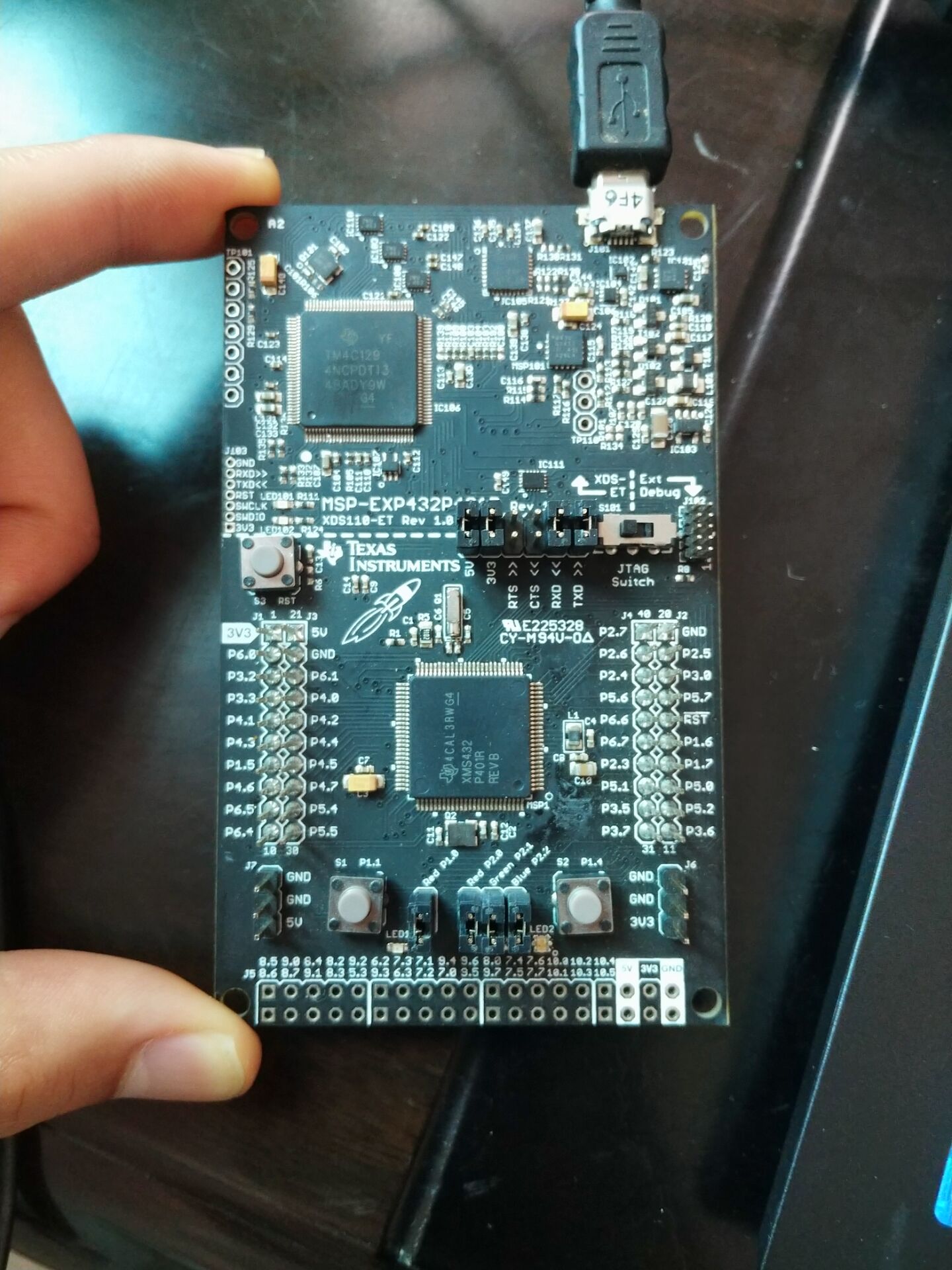 我用的是win10企业版,下载了CCS10