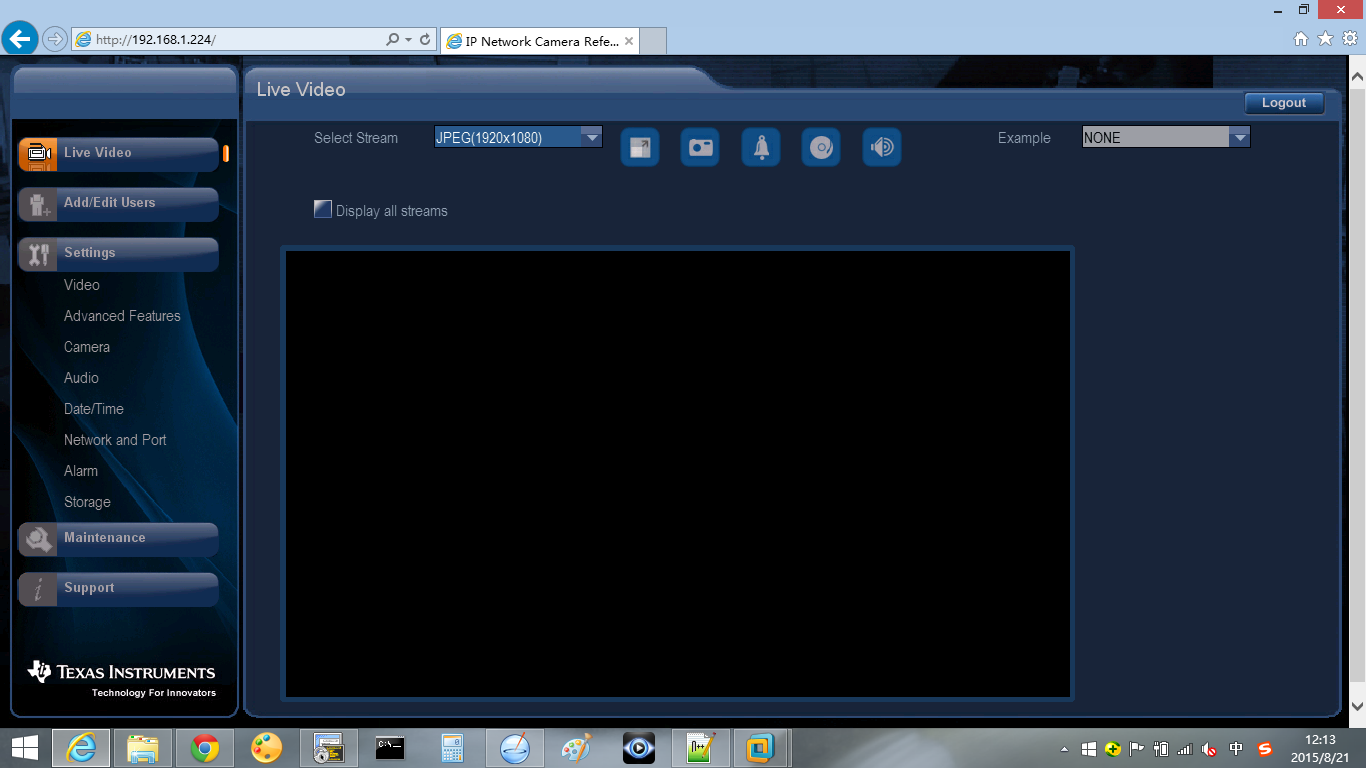
If you have a related question, please click the "Ask a related question" button in the top right corner. The newly created question will be automatically linked to this question.
...done initializing Play this stream using the URL: rtsp://192.168.1.224:8553/PSIA/Streaming/channels/1?videoCodecType=MPEG4
(We use port 8300 for optional RTSP-over-HTTP tunneling.) ApproDrvInit: 8 queue id:163845 Initializing... ...done initializing Play this stream using the URL: rtsp://192.168.1.224:8555/PSIA/Streaming/channels/0?videoCodecType=MJPEG
(We use port 8302 for optional RTSP-over-HTTP tunneling.) ApproDrvInit: 9 queue id:163845 Initializing... ...done initializing Play this stream using the URL: rtsp://192.168.1.224:8556/PSIA/Streaming/channels/2?videoCodecType=H.264
(We use port 8303 for optional RTSP-over-HTTP tunneling.) ...done initializing Play this stream using the URL: rtsp://192.168.1.224:8557/PSIA/Streaming/channels/2?videoCodecType=H.264
(We use port 8304 for optional RTSP-over-HTTP tunneling.) ...done initializing Play this stream using the URL: rtsp://192.168.1.224:8554/PSIA/Streaming/channels/1?videoCodecType=MPEG4
(We use port 8301 for optional RTSP-over-HTTP tunneling.) [09/Nov/2012:04:49:40 +0000] request from 192.168.1.100 "GET /browserconf