This thread has been locked.

If you have a related question, please click the "Ask a related question" button in the top right corner. The newly created question will be automatically linked to this question.

CC3200 FTDI 驱动出现问题;求助于TI

Other Parts Discussed in Thread: CC3200, CC3100

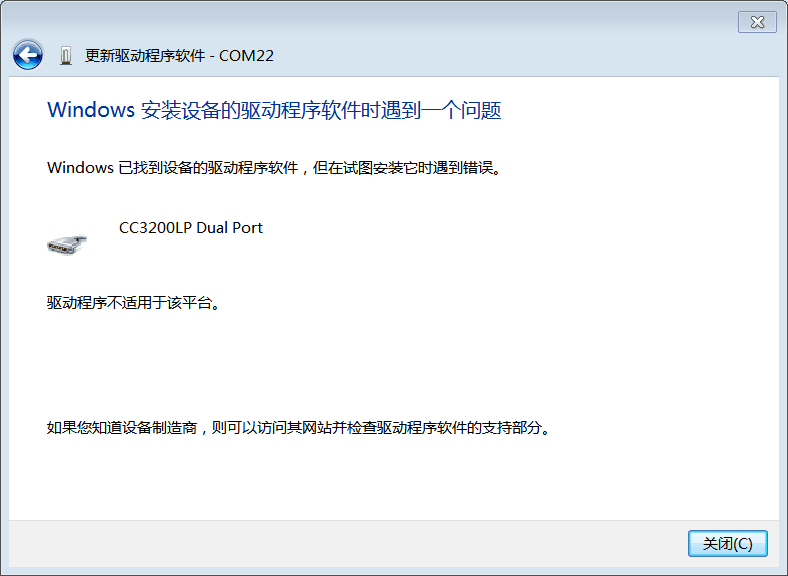
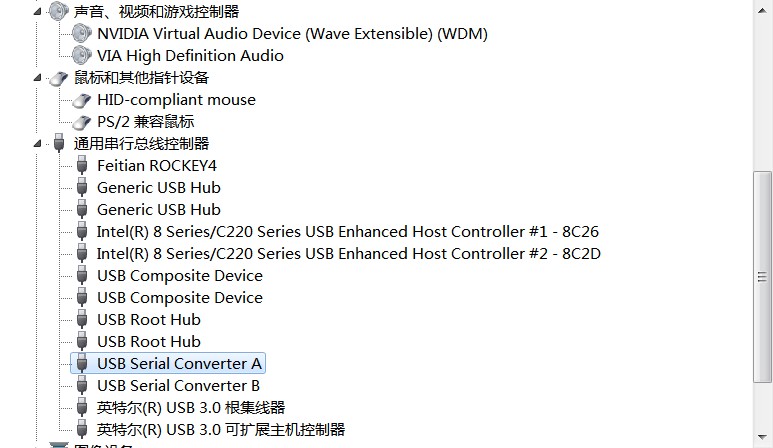
   刚购买的CC3200的开发板,然后连接到电脑上,驱动出现如下情况

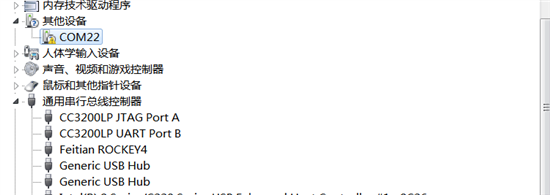
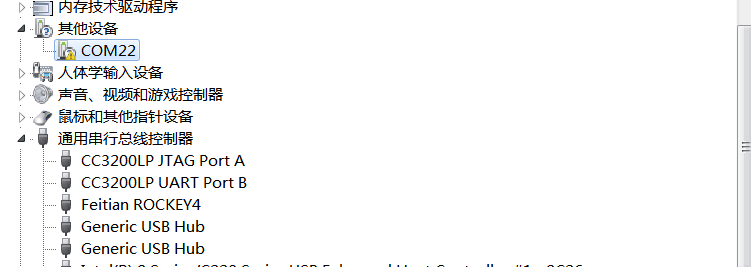
然后设备如下
我电脑系统如下:64it win7    战神K650D
  • 可以参考TI WIKI页面 http://processors.wiki.ti.com/index.php/CC31xx_%26_CC32xx_FTDI_Flashing 以及 http://www.ftdichip.com/Drivers/D2XX.htm

    If your CC3100/CC3200 is not recognized, install the FTDI D2XX driver.

    1. Install the the FT_PROG
    2. Connect the USB cable between the PC and your target board.
    3. Install either CC3200_SDK and/or CC3100_SDK package, depending on what platform you are using.
    4. Open FT_PROG and press F5 (or refresh) to refresh the list of connected FTDI devices.
    5. Right click the device and select erase.
    6. Right click the device choose Apply Template -> From file and choose the corresponding .xml template file from the download section above.
    7. Press Ctrl+P
    8. Reset board by unplugging and plugging USB cable.
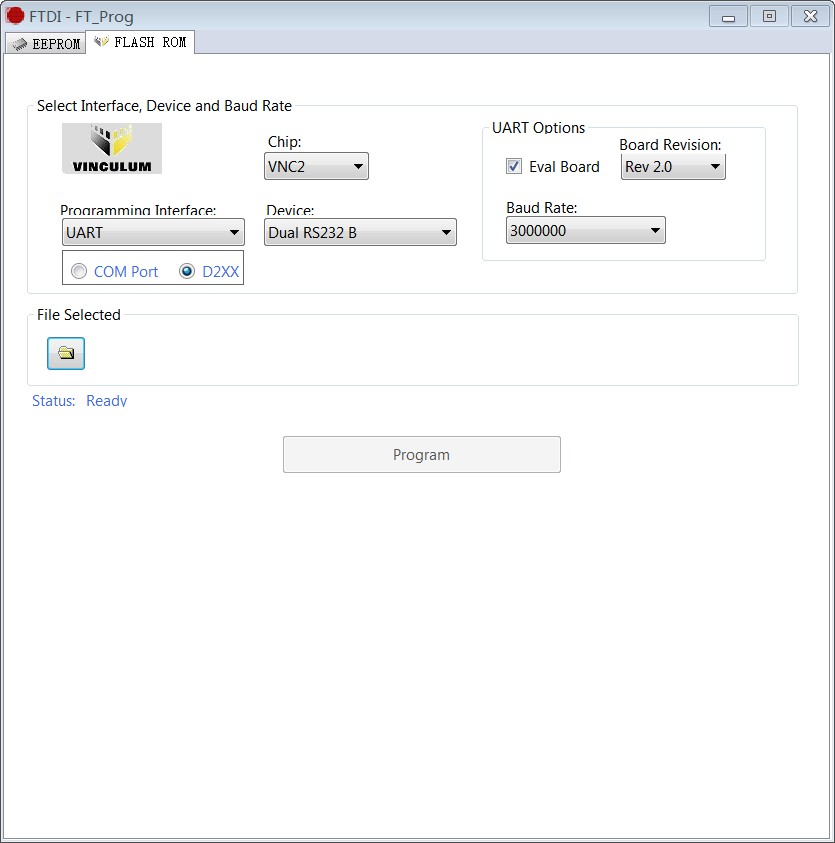
  • 按照您说的。现在成这个样子了


    还要我写入什么.ROM的文件,而且IAR也不能烧录了。


    也不知道这是什么东西